


Google Maps Apps - Free Download & Official Reviews

Google Maps
 3.2
3.2
Whether exploring a new city, planning a trip to the city, or just trying to navigate thru traffic, this application has all the world right at your fingertips. Here are the things to know about starting up and enjoying.
Put the World in Your Pocket with Google Maps
3.2
Both versions of the app are free to download and use, but a stable internet connection is recommended when setting up the app because it requires Internet to download map data, as well as to synchronise account preferences. After installation, just switch on location and notifications – these are the most valuable features of the app, such as traffic and turn-by-turn navigation data.
Google Maps Turns Every Street into an Adventure
3.2
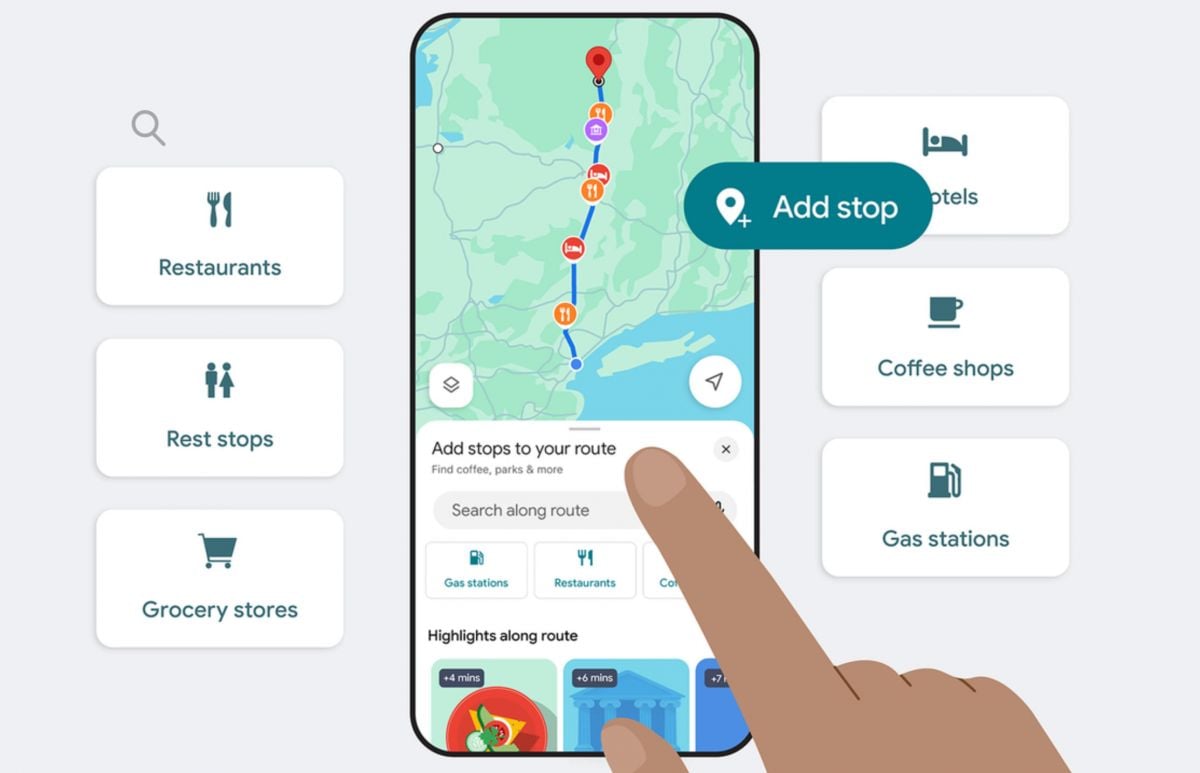
If you want something a little more intensive drop the little orange pedestrian icon from Google Street View on any road for a more immersive experience. This allows you to roam the streets in a virtual environment, see a Hotel entry before you even get there, or check out a neighbourhood before you arrive. Satellite view can provide a high-level overview, making it helpful for planning large parks, campuses, or when the terrain is unfamiliar.It also has the ability to view maps without being connected to the Internet, which is useful to set up before travelling abroad. Download a specific area beforehand and search addresses and directions without needing any data connection – good in areas with network coverage issues, or when you don't want to be charged for roaming abroad.
Design Your Perfect Custom Adventure on Google Maps
3.2
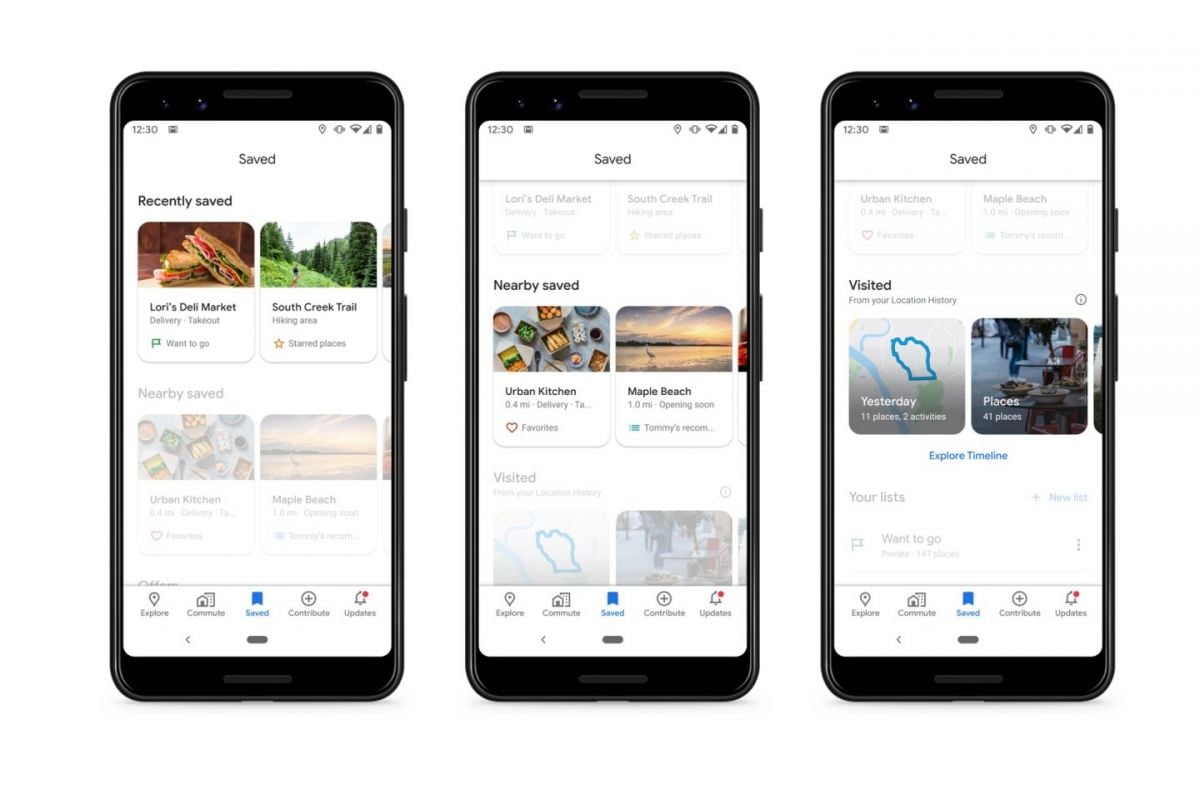
Connect with a place using the "Your Timeline" option under your profile icon, and have a secure memory of where you've been, whether that's to a fantastic café last month or to reconstruct a past trip. Alongside this, the curated lists of the "Explore" tab, like "Must-see attractions" or "Top-rated restaurants" guide a new user to the offerings of a specific destination without needing to do any research first.The “Share location” will also allow your friends and family to locate your real-time position with you, making it easier to arrange outings in busy and unfamiliar locations. Together with saving maps and multi-stop routing, Google Maps emerges as a compact but surprisingly comprehensive trip planner.
Beat the Traffic Jam with Google Maps
3.2
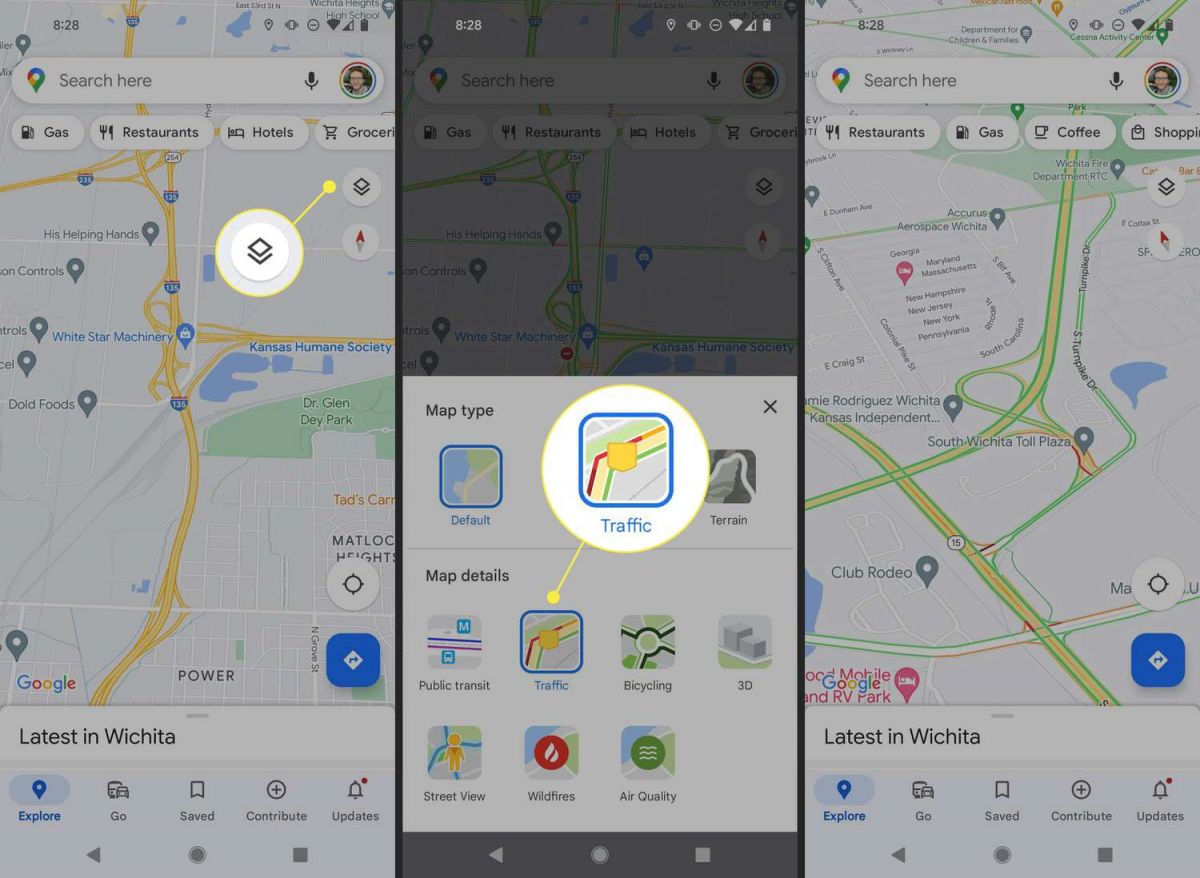
There is also live reporting ability within the application for any sort of accident, road closures, speed traps, hazards on the road, etc. While you're driving, take a moment to click the "Contribute" or reporting icon when you notice that you're encountering a problem or just traveling down a familiar roadway. This community-spotted information is one reason why Google Maps' traffic predictions are always fairly accurate, rather than just based on official traffic reports.When you enter your Home and Work locations in your profile settings, you can get one-tap directions and a heads-up warning, such as when to expect an unusual amount of traffic delay before you even open the app for the commute to work and home. It is also useful for public transport passengers who can get real-time bus, train and subway schedules for cities that support this service and learn when and how to change modes without having to wait too long.
Keeping Google Maps Sharp and Current
3.2
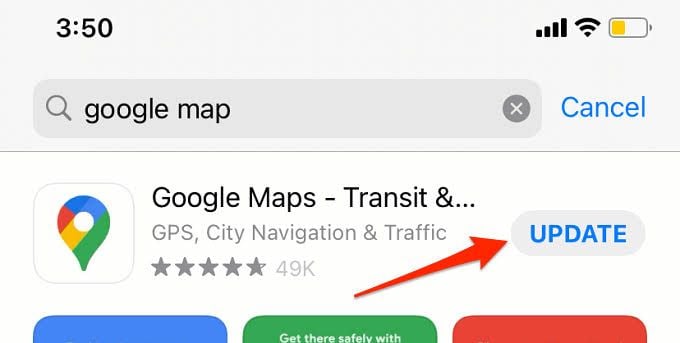
A few additional tips:1. Make sure that your device has ample storage space, as bigger updates can otherwise take up more room to be installed properly.2. Get updates via the Wi-Fi network, if possible, instead of mobile data.3. Restart the app after the huge update to verify new features.4. When you experience minor glitches in the application upon update, usually you can clear the cache from the app settings and it will be sorted out.Regular updates to Google Maps prevent you from having to deal with outdated road maps, the lack of recent improvements in the interface, and other potential safety issues, keeping your navigation experience as easy as the road you're on.
Collaborate Smarter Through Shared Google Sheets
4.8
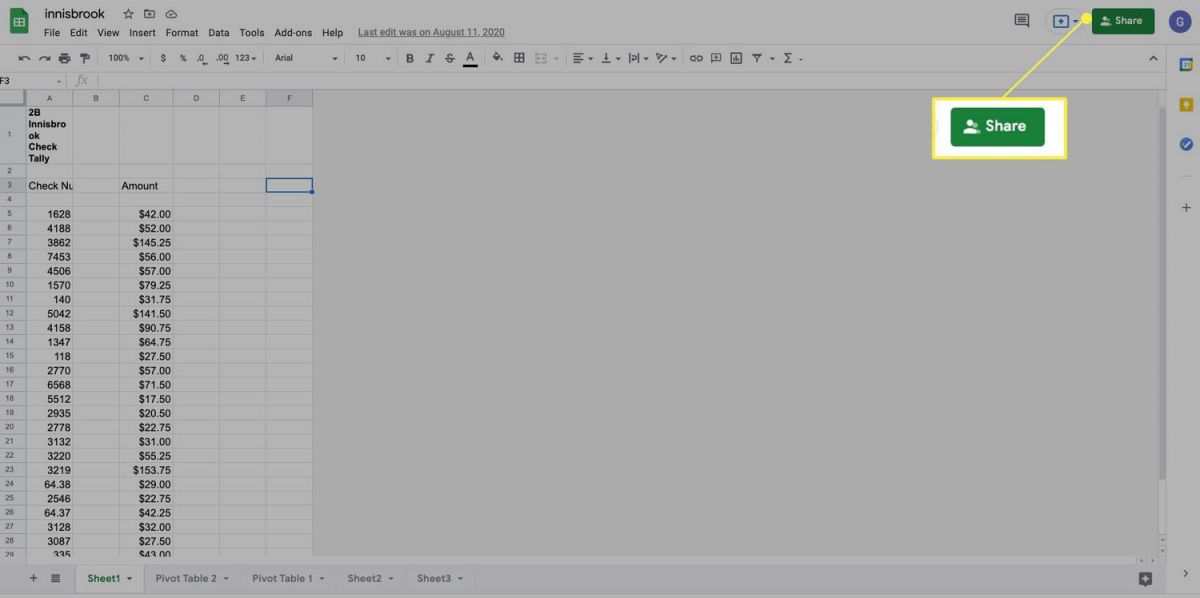
Google Sheets has one of the most useful features, which is its collaboration system on real-time. When multiple versions of the same file or sheet are exchanged throug
A Parents Guide to Paramount+ Parental Controls and Kids Mode
4.1
Creating a Kids Profile
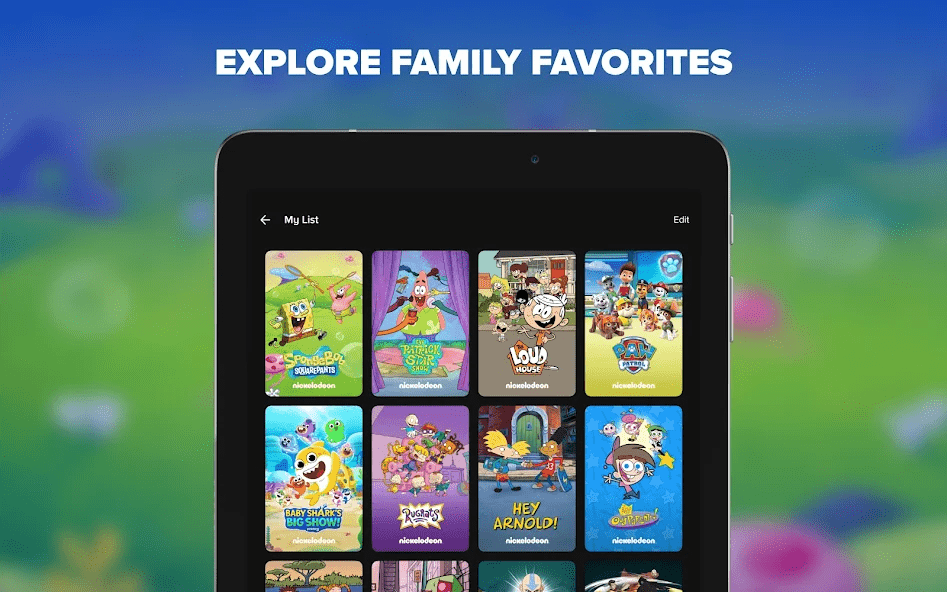
The first step is to create a profile for your child. When adding a profile enable "Kids Mode." The
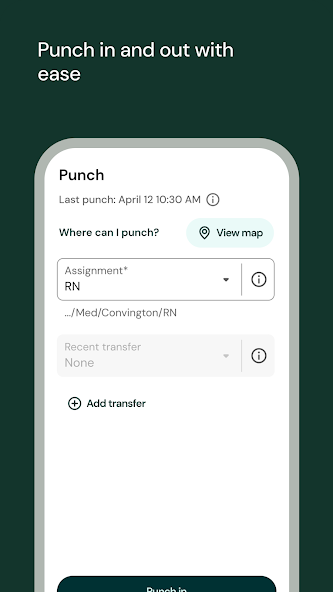
Simplifying Work: The Art of Punching In and Out with Ease on UKG Pro
4.2
One of UKG Pro’s important jobs is to track time and the app has made it smooth and easy. The idea of "punching in and out with ease" lies at the heart of UKG
ARCHIVE
Category
- Communication
- Tools
- Shopping
- Lifestyle
- Entertainment
- Finance
- Art & design
- News & Magazines
- Productivity
- game
- Action
- Music & Audio
- Music & Audio
- Education
- Education
- Business
- Photography
- Books & Reference
- Business
- Health & Fitness
- Medical
- Educational
- Casual
- Video Players & Editors
- Maps & Navigation
- Adventure
- Sports
- Puzzle
- Arcade
- Personalization
- Art & Design
- Action
- Travel & Local
- Social
- Food & Drink