


2025 Apps - Free Download & Official Reviews

Install Instagram at No-Cost
 4.8
4.8
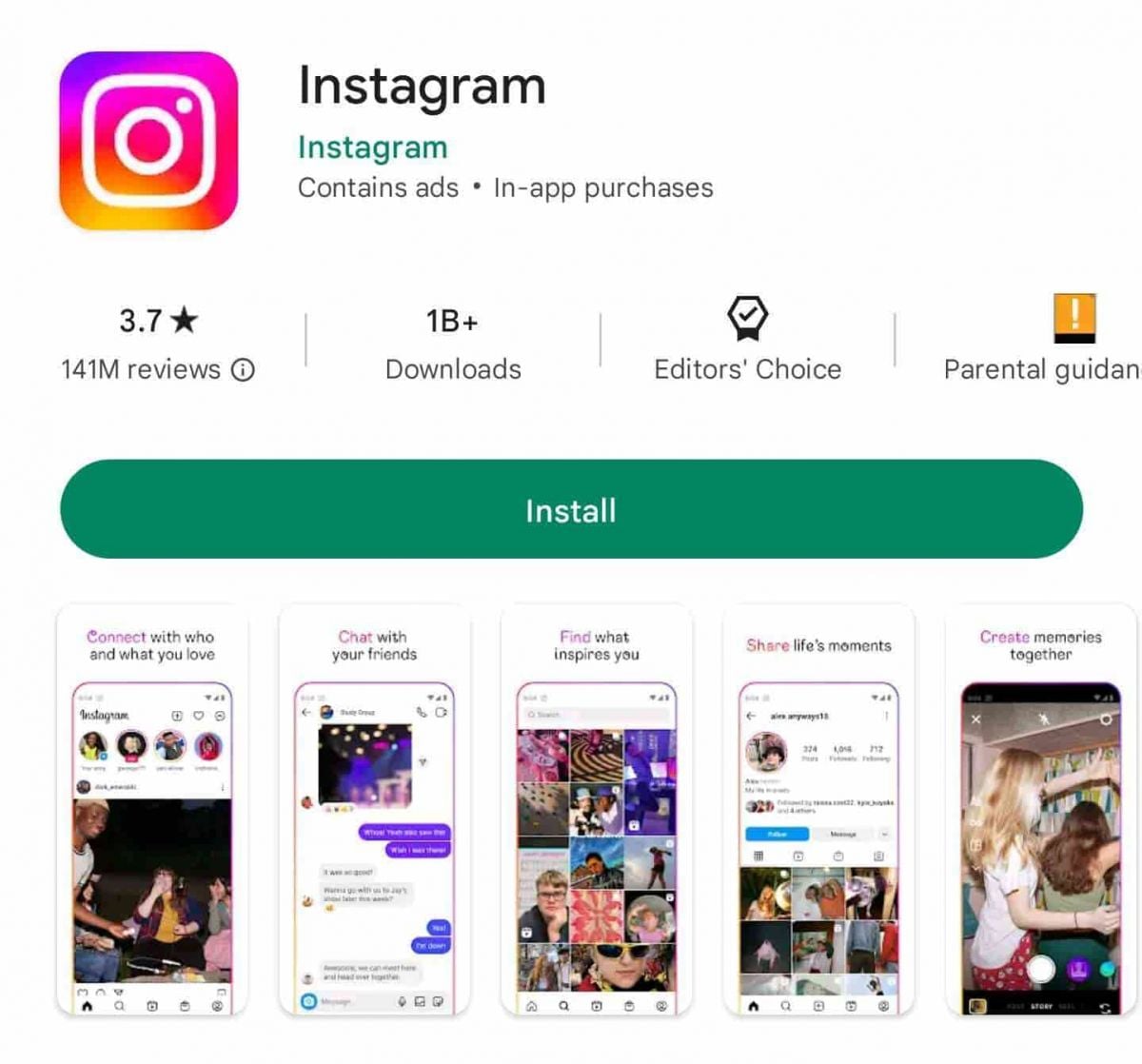
How to Install Instagram in Your DeviceFor iOS Devices:1. Open the App Store.2. Visit the search tab at the top and there input ‘Instagram’ in the search bar. Alternatively, directly visit the download page here https://apps.apple.com/us/app/instagram/id389801252.3. Select Instagram from the search results.4. To download the application, simply tap the “Get” button.5. You authenticate, provided you agree, if prompted, with Face ID, Touch ID or an Apple ID password.6. After it has been downloaded, click “Open” to get going with Instagram.For Android Devices:1. Open Google Play Store.2. Search for “Instagram” in the top search bar.3. Scroll down to select Instagram from the search results.4. Download the app by tapping to “Install”. Or directly access the download page here https://play.google.com/store/apps/details?id=com.instagram.android&hl=en_US.5. Afterward, when you’ve installed it, tap on “Open” to enter Instagram.For PC Users:1. Visit the official Instagram site here www.instagram.com.2. Sign up if you have not yet, or login with your current account.

Download Instagram Lite Quickly
4.8
How to Get Instagram Lite on Your Device1. For Android: Go to Google Play Store, search — ‘Instagram Lite’ and click Install. Or directly visit here https://play.google.com/store/apps/details?id=com.instagram.lite&hl=en_USin your browser. After installing app, open app and make new account or login of already account.2. For PC and iOS: At the moment, Instagram Lite is only available for Android devices, so there’s no desktop or iOS version.


Save Videos or Photos From Instagram
4.8
How to Save Content1. Download Videos(1) From Stories:- Tap your profile picture to view your story.- Click the three-dot symbol in the right corner of your video.- Click “Save” to download it directly to your device.(2) From Posts:- To save the posts you like without downloading them directly, you can tap the flag icon at the bottom right of the video post to save it in your Collections under Instagram.(3) Using Third-Party Apps:- For those that can’t be directly saved, consider using apps like “Video Downloader for Instagram” for Android or “Blaze: Browser & File Manager” for iPhone by copying the link of the video post. However, be respectful of privacy and copyright. Always ask for permission before downloading and using someone else’s content.2. Download Photos(1) Using Screenshots:- Take a screenshot of any image you want to save. But it may reduce the image quality.(2) Using Collections:- Like photos, on any photo post you like, tap the flag icon to save it in your Collections for easy access later.


What and How to Post on Instagram
4.8
Types and Ways of Content You Can Post1. Photo Posts:- Tap the “+” icon located at the top left corner of your screen.- Select one picture from your gallery or take a new one.- Apply filters if desired before sharing.2. Video Posts:- Do the same as photo posts but select a video instead.- You can directly upload up to 60 seconds videos in your feed.3. Carousel Posts:- Select several photos or videos (up to 10) when prompted after tapping “+”.- Users can scroll through these posts in their feed.4. Stories:- Tap your profile picture at the top left corner or swipe right from your feed.- Take a new photo/video or select one from your gallery.- Add stickers or text before sharing it as a story which lasts 24 hours.5. Reels:- Record short-form video with Reels by tapping Reels at the bottom center of your screen.- You can edit videos with music and effects before posting them.


Keep your Instagram Private
4.8
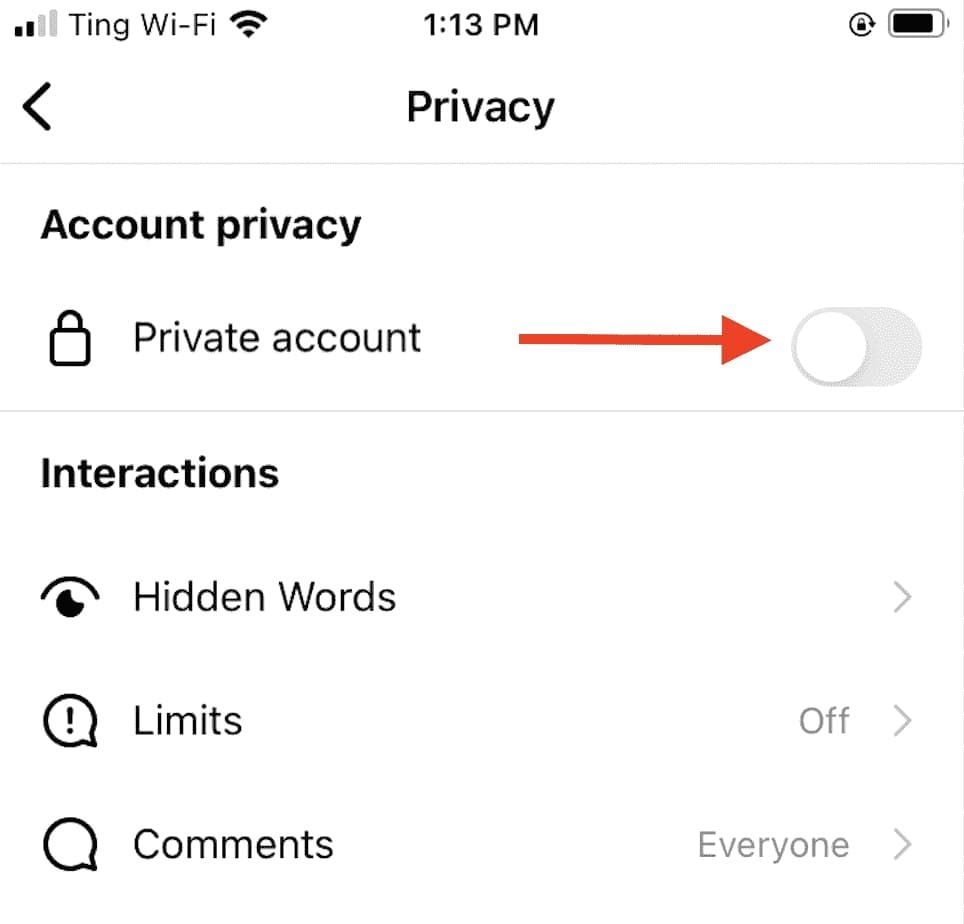
Privacy Settings1. Set your Account to Private:- Go to Settings > Privacy > Account Privacy and turn on “Private Account.” This will make your posts and stories visible only to approved followers.2. Manage Comments and Messages:- Control who can comment on your posts by going into Settings > Privacy > Comments where you can restrict comments from specific users or everyone except those you follow.3. Manage Location Sharing:- Be cautious when sharing location data while posting pictures or stories; disable location services in your device settings if necessary.4. Review Tagged Photos:- Check tagged photos by going into Settings > Privacy > Tags where you can choose whether tagged posts appear on your profile automatically or require approval first.5. Restrict Profile Visibility:- Regularly check followers; delete any that seem suspect or unauthorized to view your profile information.

Install ChatGPT with No Efforts
4.8
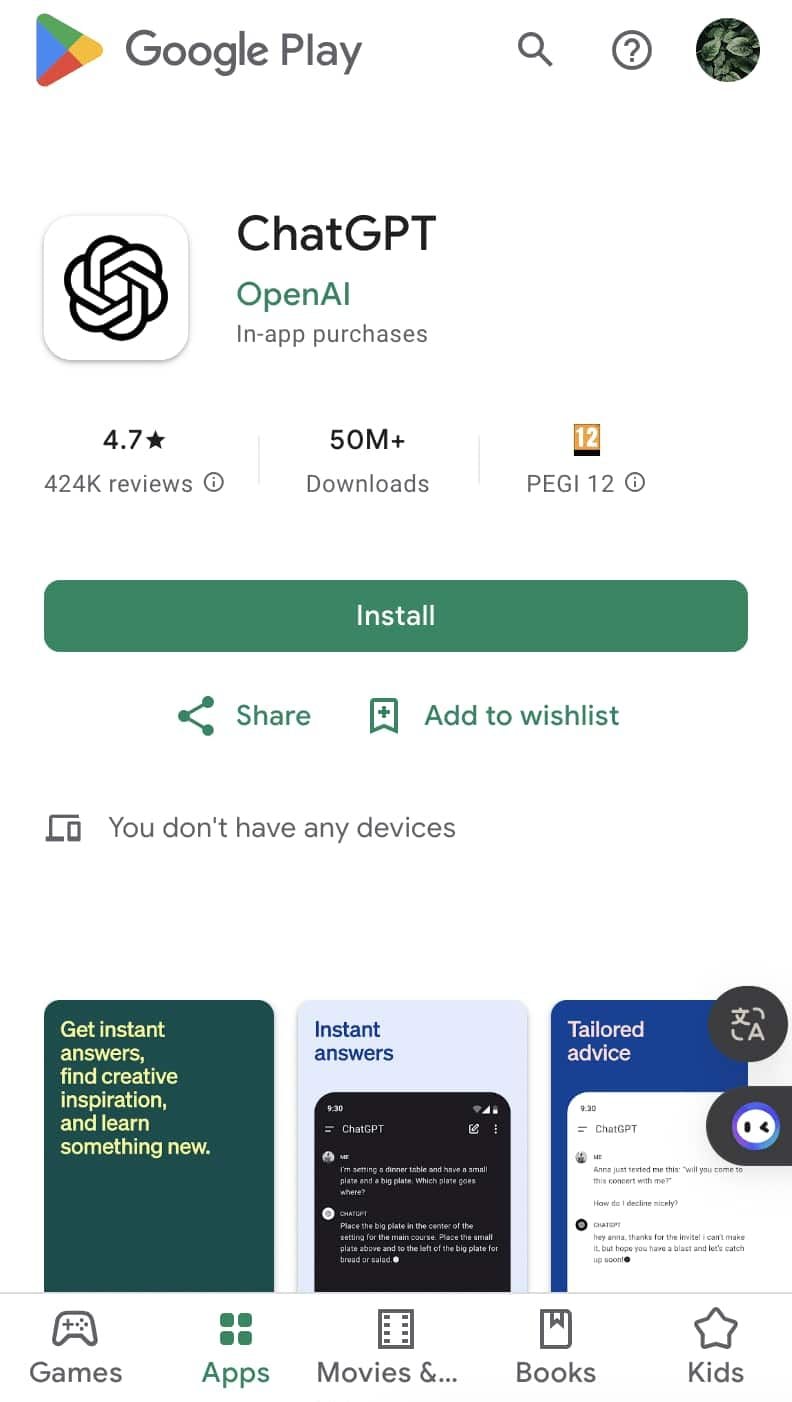
You can install it on your preferred device in just a few easy steps and tap into using this high-powered AI in putting work into anything from the following:ChatGPT Mobile1. For Android users:- Open the Google Play Store.- Type “ChatGPT” into the search bar and search.- Find the official app and click “Install.” Or you can directly visit this page from herehttps://play.google.com/store/apps/details?id=com.openai.chatgpt&hl=en_US.2. For iOS users:- Open the App Store.- Type “ChatGPT” into the search bar and search.- Find the official app, click “Get,” and install it. Even more directly, this step can be led to you from here https://apps.apple.com/us/app/chatgpt/id6448311069.ChatGPT PC- Visit the OpenAI official website here https://openai.com.- Locate the link to ChatGPT on the homepage and click to enter.- Register or log in to your OpenAI account.- Use the web version directly in your browser without needing to download any software.

Effectively Communicate with ChatGPT
4.8
1. Be Clear with Your Questions:When you ask specific questions, it is much easier for ChatGPT to understand what you need. You could skip asking for a general narrative of history like “Tell me about the history”, and instead may ask, “What are the main causes of World War I?”2. Provide Context:If what you are talking about is highly specialized, you may want to provide more background. Technical questions should also mention the tool or programming languages you are using.3. Ask Successively:If you feel overwhelmed by the information you may get, decompose your questions into smaller components and ask successively. You can first introduce a general concept and then go on with the details.4. Give Feedback and Adjust:If ChatGPT’s response is not what you expect, give feedback and ask for further clarification or adjustment of its answer.


What Can I Do with ChatGPT
4.8
Uses1. Homework Help: Students could use ChatGPT model for homework help, knowledge review, and problem-solving.2. Content Creation: Through the tool, writers or content creators will be able to draft articles, get ideas, or edit text.3. Programming Support: For programmers, ChatGPT will assist in debugging code, advising on how programming can be done, or solving tech issues.4. Daily Task Management: Users can write emails, plan their schedule, or ask for recommendations regarding travel using it.Benefits1. Time-Efficiency: Most of the tasks/actions are automated, and/or information is provided to the users through ChatGPT instantaneously.2. Productive Results: Be it studying or working, in both cases, ChatGPT increases the productivity of the user by helping them complete the task faster than would have been possible without the tool.3. Increased Creativity: Newer ideas and concepts developed through AI elevate thinking and boost creativity.


ChatGPT vs. Other AI tools
4.8
1. Google GeminiFormerly named Bard, it is designed to work in perfect concert with Google services. Pulling information in real-time and offering unlimited questions at no additional cost, it nonetheless works only really well for those deeply embedded in the Google ecosystem. The contextual depth required for more in-depth, creative writing or deep discussions isn’t as accessible compared to ChatGPT.2. Microsoft CopilotIn fact, it integrates well with the Microsoft Office applications, providing document summarization, on-the-fly assistance within tools such as Word and Excel, among many other features. While Copilot will be very useful for users that spend most of their time in Microsoft products, in many ways it works at a more granular level and requires users to move in and out of various applications. ChatGPT, in contrast, is a better conversation tool in that regard, and doesn’t require quite as much application switching, thus making the workflow less jumpy.3. ClaudeDeveloped by Anthropic, focuses on safety and ethical AI use. It provides robust conversational capabilities and is designed to be helpful and harmless. However, while Claude excels in certain tasks like coding assistance and summarization, ChatGPT outperforms it in generating creative content and maintaining engaging dialogues. The extensive training data and advanced algorithms behind ChatGPT enable it to produce more varied and contextually rich responses.


Install Twitter Easily
4.6
How to Get ItOn Mobile DevicesFor Android:1. Open Google Play Store on your device.2. Search for “X” in the search bar and click the official app from X Corp. More conveniently, you can just visit that page through here https://play.google.com/store/apps/details?id=com.twitter.android&hl=en_US.3. Click the “Install” button.4. After download, open the app and log in or create a new account.For iOS:1. Open the App Store on your iPhone or iPad.2. In the search tab, type “X”.3. Tap on the app from the results to download; tap “Get”. Alternatively, navigate it without the slightest effort from herehttps://apps.apple.com/us/app/x/id333903271.4. Once installed, open the application and log in or sign up.On ComputersFor Windows:1. Launch the Microsoft Store from your web browser or directly from the Start menu.2. Locate “X” and tap on the application.3. Click “Get” to download it.4. Once downloaded, find Twitter in your Start menu to open it.For Mac:1. Open the Mac App Store.2. To search Twitter, type ‘X’ in the search box. Or directly go to the same downloading page here https://apps.apple.com/us/app/x/id333903271.3. To download and install the app, tap Get.4. After you install it, open it from your Applications folder.Where Twitter Excels In1. Live Updates: Read the latest news on what’s happening in the news world.2. Engagement Tools: Like, Retweet and Reply to tweets.3. Multimedia Sharing: Share pictures, videos, and GIFs to make your tweets shine.4. Hashtags: To join the global conversations, use hashtags and search through content that is relatable to you.
Tag
ARCHIVE
Category
- Communication
- Tools
- Shopping
- Lifestyle
- Entertainment
- Finance
- Art & design
- News & Magazines
- Productivity
- game
- Action
- Music & Audio
- Music & Audio
- Education
- Education
- Business
- Photography
- Books & Reference
- Business
- Health & Fitness
- Medical
- Educational
- Casual
- Video Players & Editors
- Maps & Navigation
- Adventure
- Sports
- Puzzle
- Arcade
- Personalization
- Art & Design
- Action
- Travel & Local
- Social
- Food & Drink