


game Apps - Free Download & Official Reviews

Roblox
 4.7
4.7
Roblox is a MMO platform rather than just a game, allowing millions of people to come together to build, share, and play an infinite number of Roblox games around the world. All wrapped up in one single app, there's obstacle courses, role play adventure, full scale simulations and competitive shooters all in one game.
Your Essential Installation Guide of Roblox
4.7
On Android- Go to the Google Play Store of your Android device.- Click on the Search field and enter the word Roblox.- Choose the official app that was created by Roblox Corporation.- Select Install and grant permission (storage, microphone, etc.).- Tap Open once the download has finished.- Tap Sign Up to register for a new free account, or Log In if you already have one.- Follow the on-screen setup prompts, including selecting an avatar style to represent yourself in the game world.- Optional: In the Google Play Store, go to your profile icon > Manage Apps & Device to enable auto-update for Roblox, ensuring the app always stays on the latest version.- Optional: If your Android device has a Game Mode or Game Booster feature, add Roblox to it for optimized performance and reduced lag during gameplay.You can download and make a Roblox account for free. Robux, the platform's in-game currency, is optional and is to spend on cosmetic items, but you can enjoy a tremendous world of content without spending a penny. Log in and after setting your avatar, you can play millions of games created by all over the world.
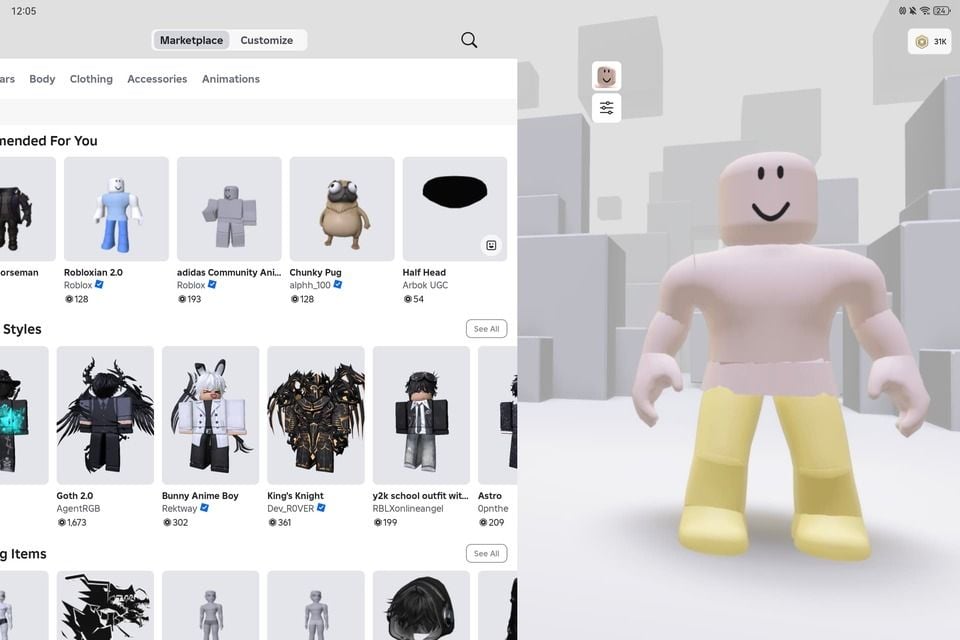
Personalize Every Corner of Your Roblox Experience
4.7
The personalisation ecosystem does truly excel at Roblox with clothes customisation. The Avatar Shop, formerly the Catalog, features millions of items across the game, such as shirts, pants, jackets, hats, hairstyles, wings, tails, faces and full body bundles made by the creators of Roblox Corporation and other third parties. Some are free, others will be purchased by Robux. When browsing by category, you'll know that you can find something that will correspond with your design, from a stylish modern design to a fantasy design, a sci-fi warrior or anything outright wildly absurd and humorous.You're not just limited to creating a strength avatar, though — you can vehemently tweak its walk, run, jump, climb, and swim moves. Through the Avatar Shop, users can purchase animation packs to add unique animation to their characters and which can then be used in most of the games. Emotes are gesture animations that you can select when playing, to show your emotions, victory, or just keep them entertained.Your Roblox profile is another level of personalisation. You can write your bio, connect your social presence and choose what types of games and groups will be featured on your profile page. Groups — player communities are assembled based on games, aesthetics, or shared interests — enable you to show your affiliations and gain access to group-only content in select games.
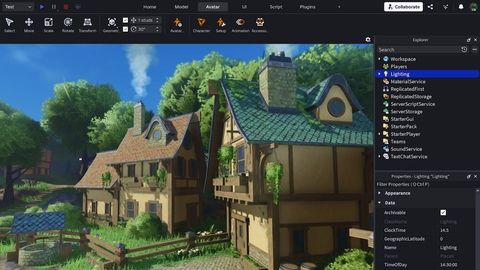
Build Your Own Roblox Game From Scratch
4.7
The Roblox script system is what differentiates it from others' block building systems. But, Roblox adds interactivity to your game with Lua, a simple programming language your budding coder can master. Your budding coder can learn how to use a simple programming language, Lua, to build interactivity into your game — doors opening on approach, chasing players, real time score updates, and leader board progress tracking. Roblox Studio will have its own built-in Script Editor, with programmatic autofill and code highlighting. The official Roblox Developer Documentation will have tutorials for creating, as well as for beginners and advanced creators.If you're ready to share your game, you can easily make it online directly in Roblox Studio. If it's done as a Public game, write a Title and Description and either upload a picture or have it uploaded for you from the website, and others will be able to play your game. You will be able to watch your game play from the Analytics Dashboard in Studio and keep going, fix bugs, add new content and more just like the most successful creators here on the platform, who can make 6-figures profits on their Roblox game using the Developer Exchange (DevEx) program.
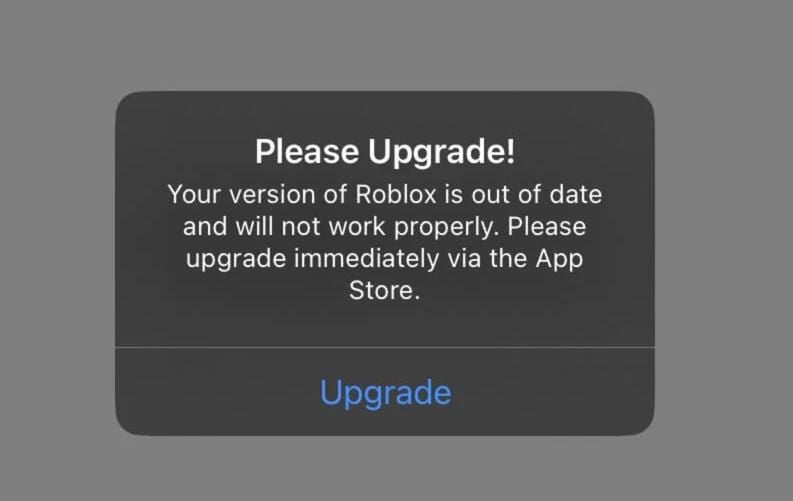
Keep Roblox Updated to Maintain Peak Performance
4.7
Updating Roblox on iOS- Tap your profile icon in the top-right on the app store screen.- At the bottom of the page, under Available Updates, you'll find a list of updates available for download.- Search for Roblox in the list and click the Update button next to it.- Or, select Update All to update all apps that have been updated.Updating Roblox on Android- Go to the Google Play Store and click on the profile icon in the top-right corner.- On the menu, choose Manage Apps & Device.- Press Updates Available and look for Roblox in the list.- Tap Update under Roblox, or tap Update All to update all apps.- Or, you can jump straight to Roblox's Play Store page — if there is a new update, the button will say Update, rather than Open. Tap it to proceed.

Idol Prank Video Call & Chat
4.1
It lets users simulate realistic fake video calls and chat conversations with their favourite celebrities.
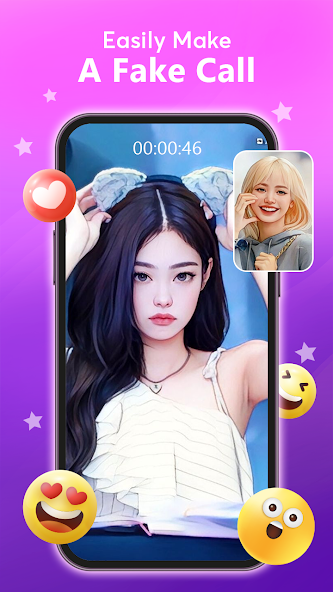
Steps for Faking Video Calls and Chats with Your Favorite Idols
4.1
1. Pick Your Idol: The app offers a gold mine of fictional facsimiles of all types of celebs. Simply go through the list and chose where you want to call.2. Choose Your Mode : You can either start a pseudo video call or fake chat conversation. It is just made to appear like the interface of some calling apps.3. Personalize Experience: Most of the versions of app have an option to customize call. Time the arrival of a "call," program in buzzer sounds, or choose between different situations (like "Manager Calling" or even ''Secret Admirer'') for you to add some authenticity your prank.4. Trigger the Prank: After everything is set, trigger that fake call. The app also comes with realistic animations, ringtones and the ability to switch between front-facing and rear cameras—perfect for magnifying your illusion.5. Share and Enjoy: The main objective is pranking friends & family. The app also has one-tap screenshot flexibility and screen recording functionality, allowing you to easily capture reactions as screenshots for posting on platforms such as TikTok or Instagram.
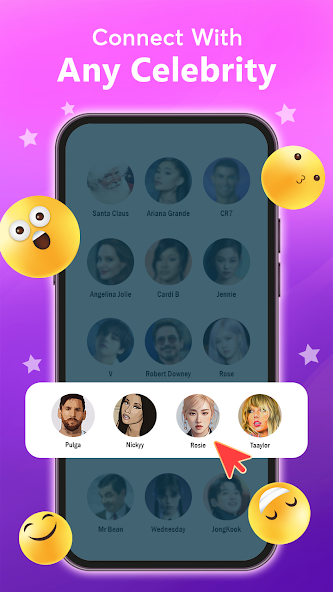
The Art Of Fake
4.1
The app is a utility for the content creators. It has Pro screenshots and screen recording feature, which makes it easy to capture reactions so that you can easily post them in TikTok, Reels or YouTube Shorts. Which means you can add your own ringtones, themes and scripts to the app make for a prank that is anything from an overzealous fan calling in with all sorts of gushing compliments — after first saying they love this person's work! These simulated amusement interactions should not be seen as real communication because they are entirely fictional.
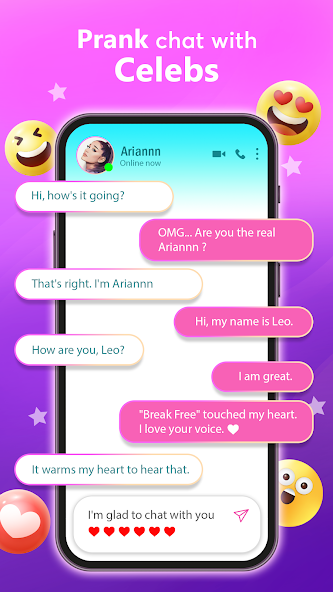
Beyond K-Pop: The Wide World of Idol Prank Video Call & Chat
4.1
The interface presents a selection of characters from different entertainment worlds, allowing users to pick their favorite idol and initiate a fake call or chat. This broad variety ensures that the app has a wide appeal, catering not just to one fanbase but to anyone who wants the thrill of a "face-to-face" interaction with a well-known celebrity. It's this extensive and varied celebrity library that makes the prank feel personal and the experience endlessly customizable for users around the world.
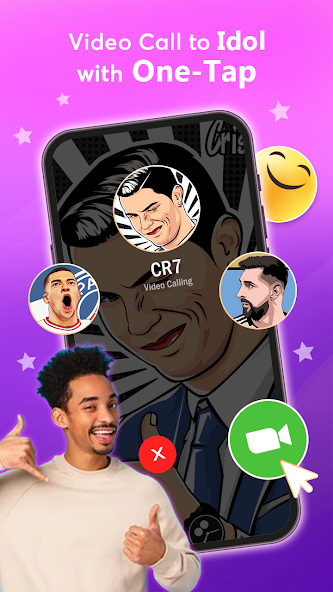
Enjoy 100% Free High-Quality Video Calls
4.1
The top-notch video calls play a crucial role in making this prank believable. The user can create a call for themself, pick from multiple realistic scenarios and enjoy studio-level visuals to make the simulation feel real. This is integral to the app, which aims for "safe fun" and has referred in its marketing efforts as providing "epic reactions". Important to point out, all exchanges are simulated and fictional. This app is entertainment purpose only and no real link with any actual celebrity
ARCHIVE
Category
- Communication
- Tools
- Shopping
- Lifestyle
- Entertainment
- Finance
- Art & design
- News & Magazines
- Productivity
- game
- Action
- Music & Audio
- Music & Audio
- Education
- Education
- Business
- Photography
- Books & Reference
- Business
- Health & Fitness
- Medical
- Educational
- Casual
- Video Players & Editors
- Maps & Navigation
- Adventure
- Sports
- Puzzle
- Arcade
- Personalization
- Art & Design
- Action
- Travel & Local
- Social
- Food & Drink