

Communication Apps - Free Download & Official Reviews

Hide Connections on Facebook
 4.5
4.5
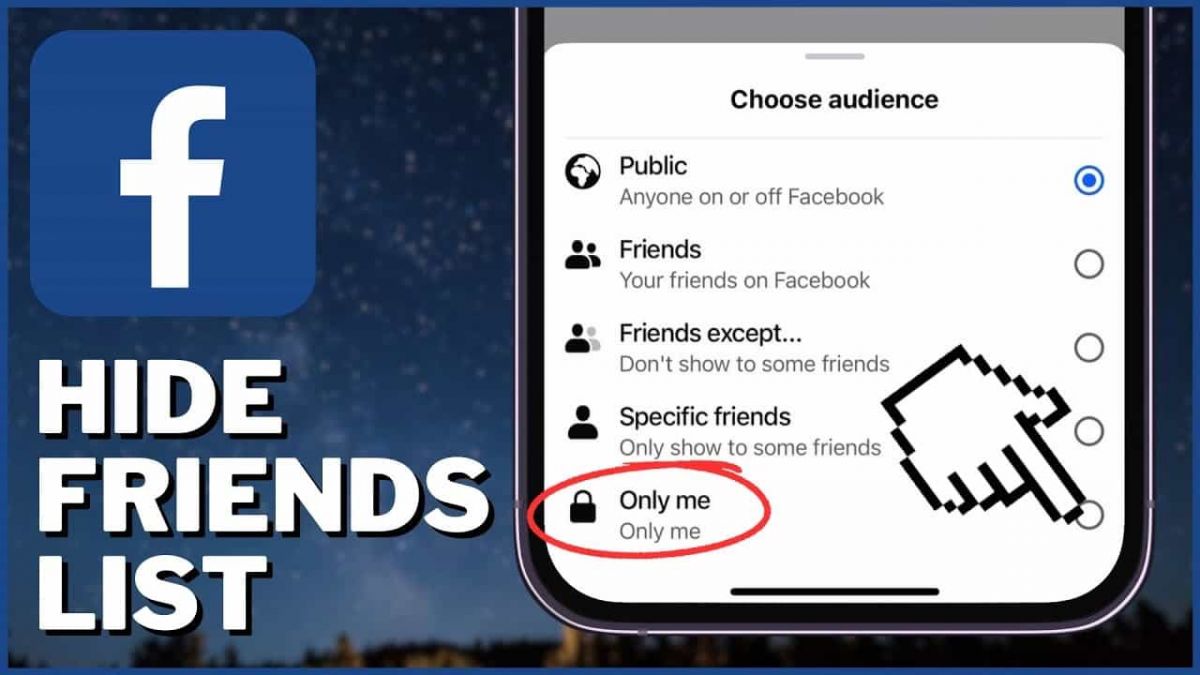
How to Hide Your Friends List1. Open Facebook in a web browser or mobile app.2. Click on your profile picture at the top right corner.3. Go to Settings & Privacy, then select Settings.4. In the left menu, click on Privacy settings.5. Find the section labeled “How people can find and contact you” and click on Edit next to “Who can see your friends list?”6. Choose from options such as Public, Friends, or set it to Only Me for complete privacy.

Download Telegram Easily
4.0
Detail Installation Steps1. Android Devices:- Open the Google Play Store. In the search box, input “Telegram.”- Tap the one from Telegram FZ-LLC, then tap “Install.” More simply, you can just visit here to view the same page https://play.google.com/store/apps/details?id=org.telegram.messenger&hl=en_US.- Download and install the app. Open the app once downloaded and register your account using your phone number.2. Apple Devices iPhone/iPad:- On your Apple device, launch the App Store and search for “Telegram.”- Tap “Get,” then “Install” when prompted. Alternatively, get to the downloading page simply from here https://apps.apple.com/us/app/telegram-messenger/id686449807.- Install from the store and open it: in-app, register your phone number and start using Telegram.3. Desktop Version (Windows/Mac):- Go to the official Telegram website https://desktop.telegram.organd download the desktop application for your operating system.- Follow the installation prompts, then open Telegram.- Link it now with your mobile account, either by scanning the QR code or by typing your phone number.4. Web Version:- Alternatively, Telegram has a Web version for those who do not want to install anything. In a browser, just go to its official homepage https://web.telegram.org/k/, insert your phone number and access your account.

What Can You Do with Telegram
4.0
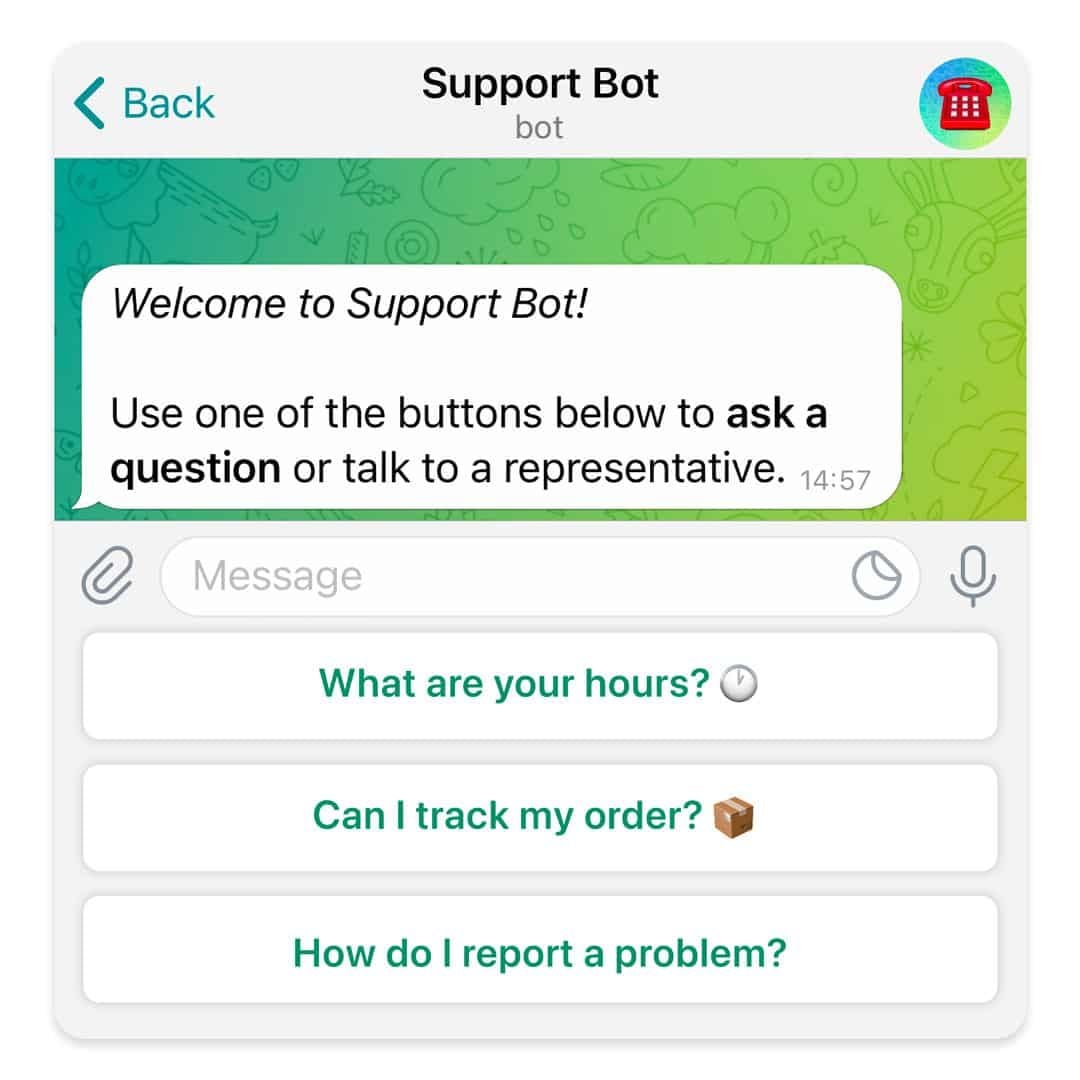
What Telegram Allows You to Do1. Secret Chats:- Besides basics, for additional security, Telegram provides “secret chats” that are end-to-end encrypted and even self-destruct on expiration.- The messages of Secret Chats also cannot be forwarded, further giving control over the information shared.2. Cloud-Based Messaging with Unlimited Storage:- Telegram is cloud-based: your messages and files are stored in the cloud; therefore, you can view them from any device without occupying any local storage.3. Sharing Large Files:Telegram allows you to share large files (up to 2 GB) in one go, a unique feature compared to other messaging apps that restrict file size.4. Bot and Personalization- Telegram provides an excellent bot platform through which users can perform actions, access information, and even play games.- You will be able to find all kinds of bots, from those that will help one with the weather forecast, translation, or news updates.5. Channels and Groups:- Telegram allows for groups of up to 200,000 people and channels allow one-way broadcasting; thus, it’s good to put out some of your messages.

Create Your Channel in Telegram
4.0
Telegram makes it easy to create a channel, and it provides additional features for managing and growing your audience. Here’s how to set up your own Telegram channel.1. Open Telegram and click the menu icon: three horizontal lines.2. Among the options appearing, click New Channel.3. Name your channel, and an optional description for the purpose can be given.4. Decide if you want the channel to be public, where everyone can find it, or a private one, where only invited members will join.5. If public, send the link so it’s easy to join; if private, share invite links only with invited individuals.6. Having made all your preferences in the channel, tap Create and optionally add members.


Customize Telegram Themes & Notification
4.0
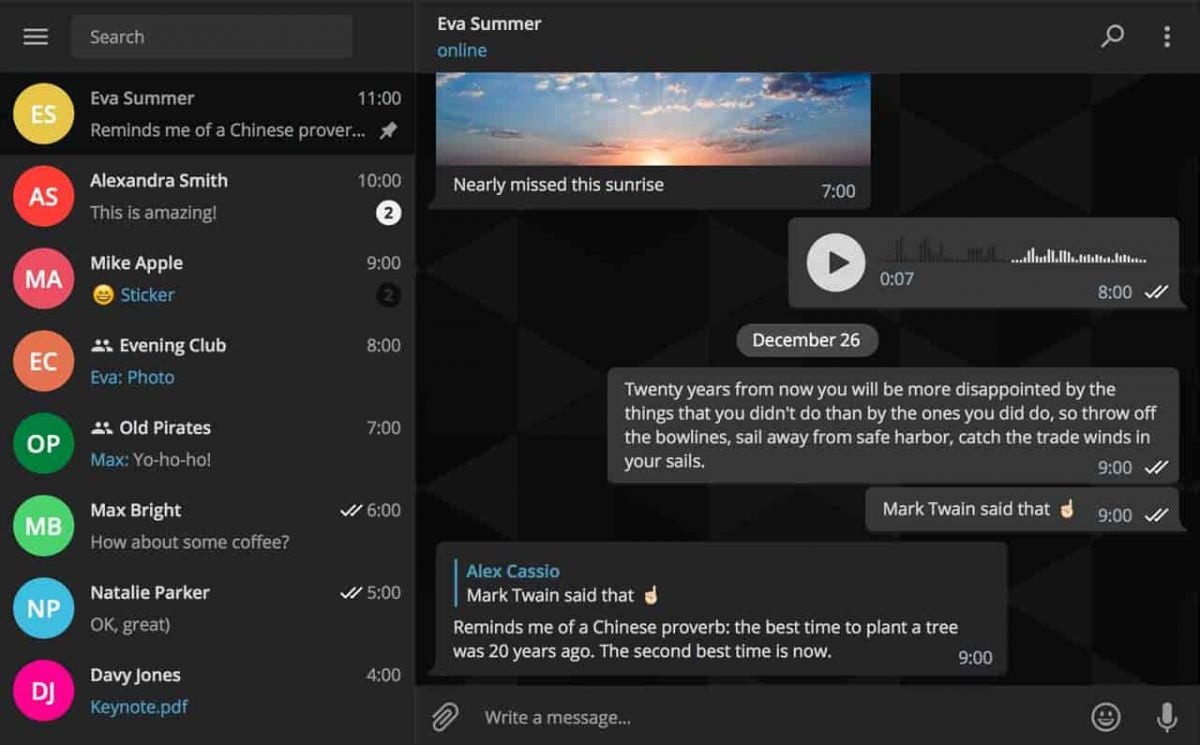
Here is a simple tutorial on how to personalize these features in Telegram.Creating Custom ThemesFor Desktop:1. Open Telegram Desktop and click on Settings.2. Click on Chat settings, then select Create New Theme.3. Name your theme then choose the color of the text, background, and button.4. Click Save Theme once your theme is to your liking.For mobile:1. Enter Telegram from your mobile device: Now, go to Settings > Chat Settings/Appearance.2. Click the Theme then select Create New Theme.3. Give your theme a name and adjust the colors to your liking.4. Tap the upper-right corner to save your changes.Setting Custom Notification Sounds1. Open Telegram chat.2. Click the top-left thumbnail of your profile picture.3. Tap on Notifications, then Customize.4. Select your sound of choice, browse through the provided options, or upload your own.

Telegram’s Safety Features
4.0
1. Enable Two-Step Verification:- For the extra layer of security, one can enable a password via Settings > Privacy and Security > Two-Step Verification.- This will prevent unauthorized use, even if anyone else knows your telephone number.2. Sending Private Messages via Secret Chats:- Secret Chats use end-to-end encryption, including self-destruct timers, which is great for sensitive information.- They never reach Telegram’s servers and therefore never leave your device.3. Control Who Can Contact You:- In Settings > Privacy and Security, select who can view your profile photo, your last seen, and phone number.- You can block contacts, manage messages coming from strangers, and you can limit this for unnecessary conversations.4. Self-Destruct Media in Regular Chats:- Open any chat, tap the clock icon while sending a photo or video. After setting the self-destruct timer for media to disappear once viewed.

Who Can Use Securus Mobile
3.8
1.Family Members and FriendsParents, spouses, siblings and friends can use Securus Mobile to communicate with loved ones behind bars through the following types of communication:secure instant messaging, audio phone call messages to inmates or other contacts, photo exchange in real time with your loved one or other people. Camera must be front-facing camera on an android device, typically contained within a lobby environment. You'll find that even those without much tech experience can access and manage features, such as prepaid accounts, call scheduling and billing history on the platform's interface.2.Legal ProfessionalsLawyers and paralegals, as well as advocates for the law, can use Mobile Securus to set up secure calls to clients who are incarcerated so that you may safely speak about your client's case while doing the best you can in staying compliant with privacy laws.3.Correctional Facility StaffAdministrators and teachers can use the software's management capabilities to control communication policies, view usage statistics, and address any technical needs to ensure a secure and unimpeded operation.4.Individuals Preparing for ReentryInmates approaching release can prepare for how to use the Securus Mobile in order to adapt better to technology on the outside and reduce recidivism.5.Tech-Savvy and Non-Tech Users AlikeSupported on iOS and Android devices, the app is accessible to all ages and levels of tech-savviness with 24/7 customer support.Serving inmates, families, the legal community and correctional staff, Securus Mobile connects you to your incarcerated loved one in a safe, secure way.

About Securus Payments Solutions (Securus Debit)
3.8
What can I do with Securus Debit? You can add funds to a new or an existing phone number, you can purchase phone calls and video connect sessions, music and games for a tablet (availability varies by facility), eMessaging and a tablet service to help inmates make parole. There is no need to maintain separate prepaid accounts, which allows inmates the ability to use the funds to make calls to any type of phone number they wish. The feature is supposed to be available at correctional facilities that Securus works with, but specific services will differ by location.To access Securus Debit, families only need to fund their account via the mobile app or website on a one-time or recurring basis. It is claimed a small fee may be charged for each funding transaction, while transfers from the inmate's trust account are generally free. Securus Debit is an efficient way of funding the inmates telephone account, reducing the time it takes to set up an account and enabling family members to help maintain emotional connections with inmates in correctional institutions.

Staying in Touch with Your Imprisoned Loved Ones
3.8
It's simple to use: sign up (or log in to an existing Securus account), locate your contact, buy “stamps,”and write a message. In addition to text, you can send up to 5 photos per message, e-cards and even a 30 second videogram (imagine, a smile on the faces of any loved one when they receive your video) You can also transfer stamps, or prepay for replies, to keep the conversation flowing.Ensure secure delivery of data, all communication is encrypted in transit and authorized contacts only are able to link up. You'll see the rejections notifications while you review your messages and attachments, stamps are not refunded. eMessaging helps friends and families connect easily and frequently with a great value that's safer, cheaper, and faster than snail mail.

Securus Mobile Text Connect Keeps Your Communication Safe
3.8
Textconnect's key benefit is how easily it integrates with FM software. Admins can view message content, flag offending keywords, and back up chats for auditing purposes—without limiting user access. The interface is made to be easy, this implies even for newbie users will able to get around it easily and quickly. Furthermore, it enables scheduled messaging and automated reminders to optimize communications workflow. By focusing on security and ease of use, Securus Mobile improves the productivity of every conversation.Text Connect is designed for corrections officers, administrators and other personnel working within secure environments in need of monitoring. It's also useful to families trying to stay close as their loved one serves time in an organized, dignified setting. Securus Mobile ensures you can maintain those important family connections regardless of the barriers some facilities subjugate on those incarcerated with optimum safety and convenience in mind.