Zelle is one of the most in-demand digital solutions for contactless transactions between persons. It enables fast, secure, and comfortable sending and receiving of money right in most banking applications. No matter whether you use an Android phone, iPhone, or want to use Zelle via a PC on your bank’s online platform, this manual will be pretty clear.
Mobile Installation (Android & iOS)
1. Users with mobile devices should locate Zelle through either the App Store for iOS or Google Play Store for Android. Otherwise, it is more convenient to visit these two pages directly from here: https://apps.apple.com/us/app/zelle/id1260755201 for iOS, https://play.google.com/store/apps/details?id=com.zellepay.zelle&hl=en for Android.
2. After clicking “Install” or “Get” the downloading process will start until it finishes.
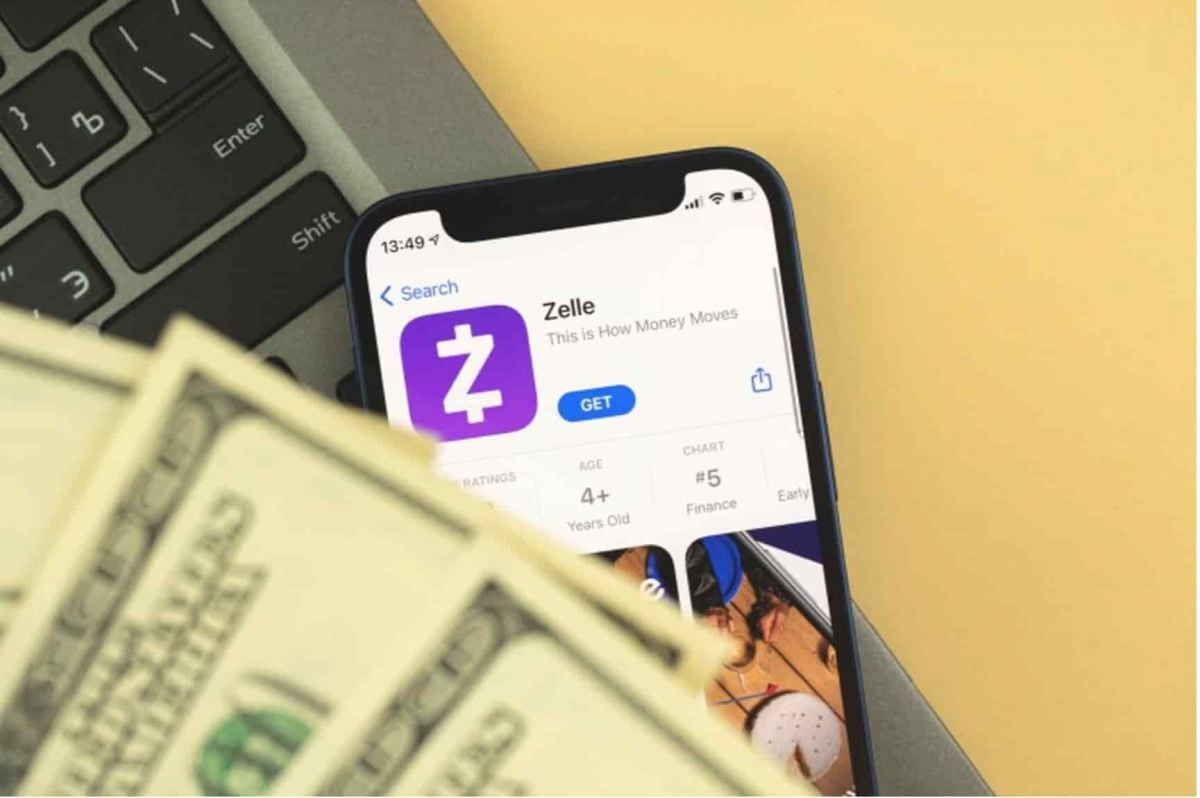
3. Once installed, open Zelle.
4. The application shows step-by-step instructions to help you with enrollment. The application process asks users to select between their email address or U.S. mobile number.
5. Zelle system will provide your verification code through email or phone communication. You enter the code to confirm your identity.
6. Choose a bank account to link to your Zelle listing. If your bank is already integrated with Zelle, you may automatically be redirected to your bank’s app to finish linking.
Access on PC
While designed primarily for mobile devices, Zelle does not have a dedicated PC app. If your bank allows access to Zelle via its online banking portal, though, you may be able to use it with your computer’s web browser.
1. Go to your bank’s website.
2. Log in to your online banking.
3. Look for Zelle among the options to bank online. It may be under “Transfers” or “Payments.”
4. Prior users of Zelle through bank portals must enroll using either their email address or U.S. mobile number if they have not used the service before.
Through Zelle users can enjoy three crucial functions including real-time money transfer and direct bank-to-bank connections and an internal messaging feature which verifies recipient information prior to payment processing. New and old users of the app can complete this process without encountering major difficulties. Moreover, Zelle has top-notch security with encryption of your transactions and fraud detection protocols.




 Back To TOP