


Hot App Reviews - Best Free Apps Download & Guides

Install Instagram at No-Cost

WhatsApp Setup

Download and Install YouTube
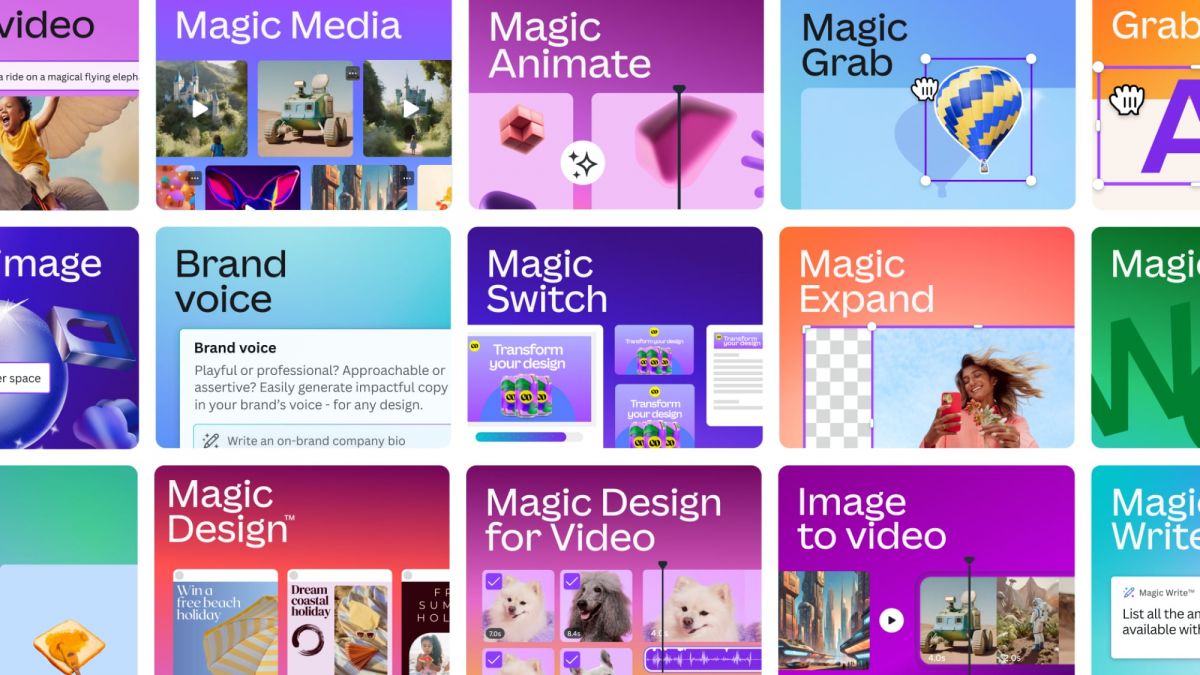
Supercharge Your Creativity with Canva's AI Magic Suite
 4.6
4.6
Background Remover is one of the most useful AI tools Canva offers. With a single click, it separates your subject from whatever background it’s in. Great for product shots, profile pics, or blending elements into a new scene. Magic Eraser takes it a step further too, because you can paint over the bits you don’t want, and the AI fills in what’s missing in a believable way.Text to Image is Canva’s generative image generator. You describe the visual idea in simple language, and the AI creates fresh, one of a kind images that you can drop directly into your projects. That means you don’t have to endlessly scroll through stock photo libraries for “the perfect image” that maybe doesn’t even exist. Taken together, these AI tools help you move faster from idea to draft, execute with more precision, and unlock more creative freedom than before.
Solve Common CNN Using Problems
4.5
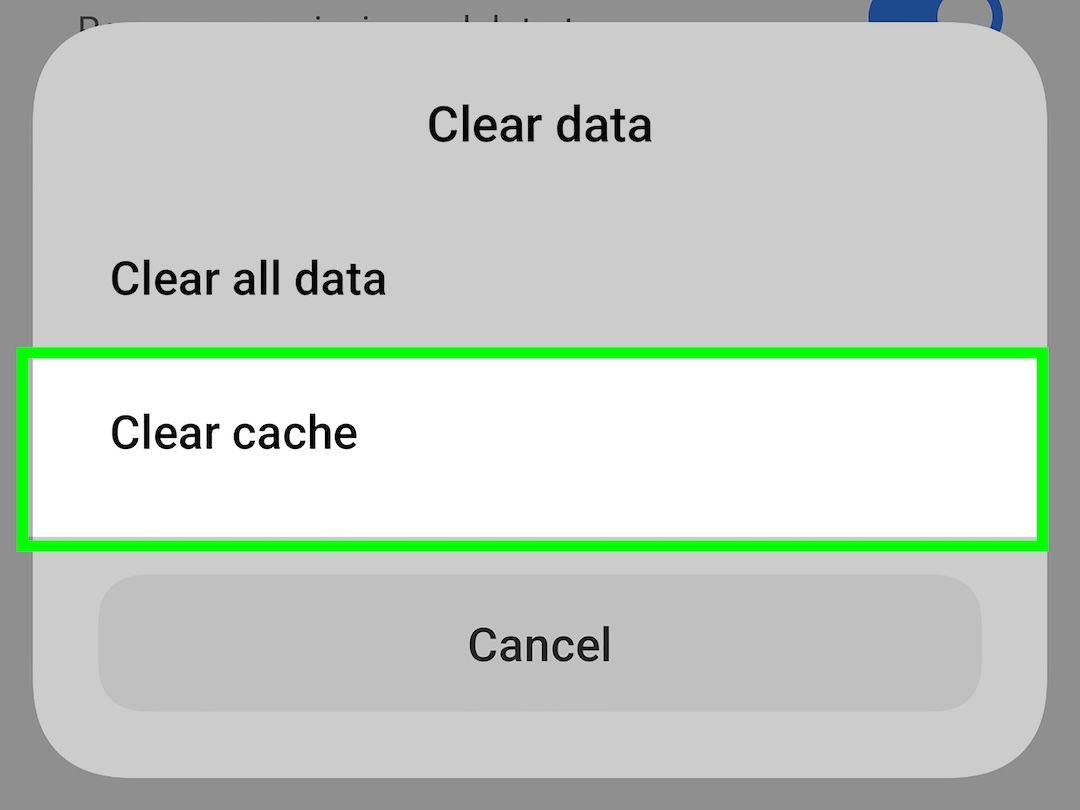
If clearing cache doesn’t fix it, you should check your network right away. High-definition live video needs a lot of bandwidth. If the Live TV module keeps buffering, switch your device between cellular data and nearby Wi‑Fi networks to find whether it’s local connectivity dropping. Also check whether your device is set to strict data-saver or battery-saver modes, because those system settings limit background refresh activity, and that can throttle real-time news streaming.Authentication errors are another frequent headache, especially when trying to access broadcasts tied to a cable provider. If the app suddenly says your login details are wrong even though they aren’t, the most effective move is to sign out of your TV provider account from within the app settings, then manually close the app using the multitasking menu, and log back in again. If the app still crashes hard after all of that, uninstall it completely and install again from your digital storefront, because that’s the final “clean package” remedy to make sure you’re not stuck with corrupted app files.
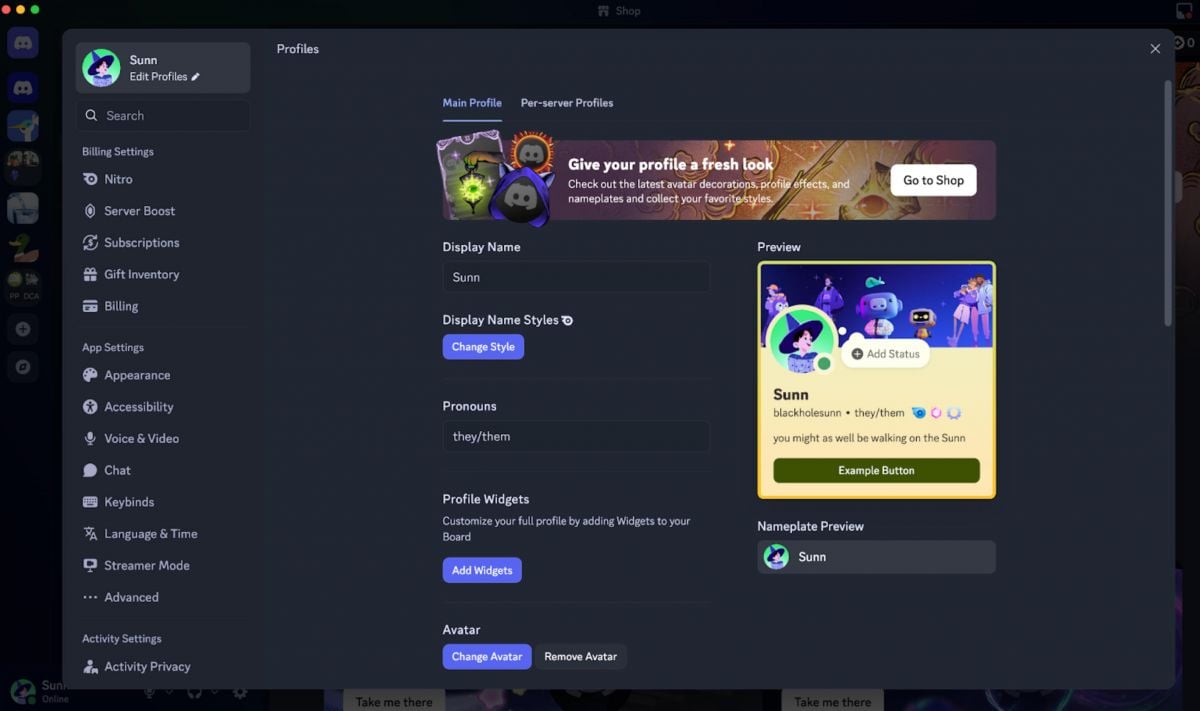
Craft a Discord Profile That Stands Out
4.7
Custom Status Messages enable you to share what you are doing with real time updates. Navigate to a custom status by going to your username at the bottom left, click "Set a custom status" and write whatever you like, from "Deep in ranked matches" to "Do not disturb" — writing deadline. The status also comes with a mood picture and you can even establish it so it will self-wipe following a specified amount of time.There's also rich presence, which uses Discord to track what game, music app, or software you're using, so long as the apps are connected. You're able to switch on or off some of the activities listed under Activity Settings for privacy (but to also be able to see what your friends are up to).Linking outside accounts gives your profile a trust boost. Tie in Spotify, Steam, Twitch, Reddit, or more. Some servers even hand out special roles automatically if you've got certain accounts linked.
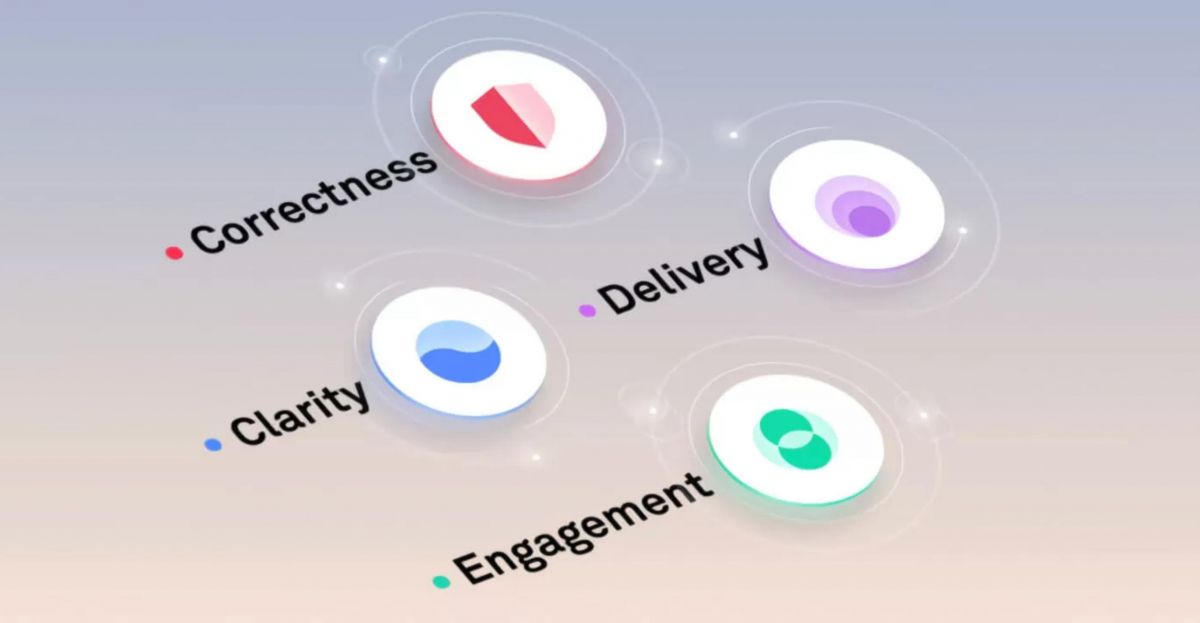
Transform Rough Drafts Into Flawless Masterpieces with Grammarly
4.7
One of the most undervalued features is the Goals tab at the top of the Grammarly Editor. These settings for your intended audience (general, expert, knowledgeable), formality (informal, neutral, formal), domain (academic, business, creative), and tone (informative, convincing, descriptive) are for your consideration. If you set these options before writing, Grammarly adjusts each of its suggestions to the context of your text. Grammarly adapts to the type of language needed for your blog post or legal brief.In the case of documents that are longer, you can monitor performance and other statistics of the document in the right side panel of the editor - Performance Score and Writing Statistics. These metrics split up your text into its readability, vocabulary diversity, sentence length distribution, and tone detection. Reliable reading ease and a good range of sentence structure typically means good and clear writing. A good indicator to simplify is if the average sentence exceeds 25–30 words.Academic writers and content creators will find the Plagiarism Checker (in Grammarly Premium) to be a priceless asset. Check work before submitting to make sure it is original and that there are no accidental similarities with published sources.

Connect Effortlessly with Your Organization via Microsoft Teams
4.8
Teams really shines in the area of meetings and calls. Meeting plans are just a few clicks away: you only have to click the calendar icon, enter the invitees, and send it which provides a link to a Teams meeting. The Meet Now button initiates an instant-live video call with whomever you choose from your Chatting List. In calls, and other features such as background blurring, virtual backgrounds, real-time captioning and live translation ensure that communication is clearer and more inclusive, in any environment and any language.Make all participants in a meeting appear in a virtual meeting area, such as a lecture hall, coffee shop or conference room, which reduces the "off camera" fatigue of typical "grid" meeting configurations. It is very effective for longer meetings and frequent team stand-ups, boosts engagement and a true sense of connection.Never ignore @mentions or status bars. Using @name will alert the colleague with a direct message in the channel especially when it is very busy. Your status is always visible to everyone, so that they can make informed and intelligent calls on how and when to reach you with message hints like Do Not Disturb and Out of Office.
Microsoft Word Makes Real-Time Collaboration Simple
4.8
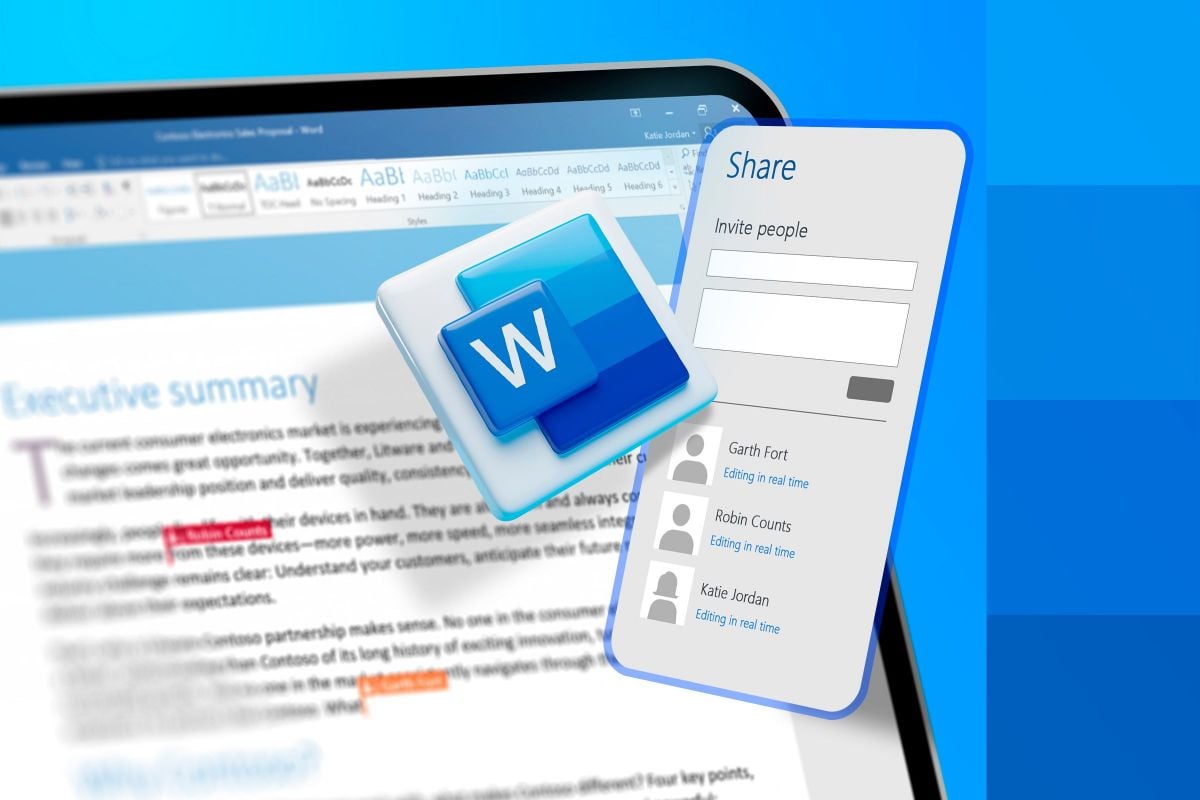
Now when several authorized people open the cloud-hosted document at once, the app shows colored markers plus those moving cursors so you can see where each participant is working and what they are actively typing. This real-time synchronization avoids this old annoying habit of emailing versions back and forth, which often leads to scattered data or version control clashes. You can actually watch sections being drafted, changed, rearranged, and refined live, and the whole group workflow stays more agile than before.To run that shared editing effectively, the "Comments" and "Track Changes" tools are basically must-haves. Collaborators can mark specific lines or sentences, then add threaded comment feedback right beside the text, so the discussion stays relevant. Also turning on Track Changes forces the system to record every change, removal, or new addition that anyone makes. Then as the main author you can review the logged edits, accepting or rejecting changes one by one. This gives you a final digital document that benefits from group input, while still preserving the intended structure and professional accuracy needed for official publication, and honestly it keeps everything cleaner.

Stay Current and Stream Better with Netflix
4.7
Updating Netflix on Android- Open the Google Play Store and tap your profile icon at the top right.- Choose Manage Apps & Device.- Tap Updates Available, then locate Netflix in the list.- Tap Update next to Netflix, or choose Update All to refresh everything at once.- Another option: open the Play Store, search for Netflix directly, and if an update exists the Install button may show as Update—tap that.- To enable auto-updates just for Netflix: Open the Play Store, search Netflix, tap the three dot menu on the app page, and select Enable Auto-Update.Checking Your Current Version- On iOS: In the App Store, search for Netflix. If you do not see an Update button, you’re already on the latest release.- On Android: Open the Play Store > My Apps > Netflix to view the installed version and confirm whether it’s current.
Google Maps Turns Every Street into an Adventure
3.2
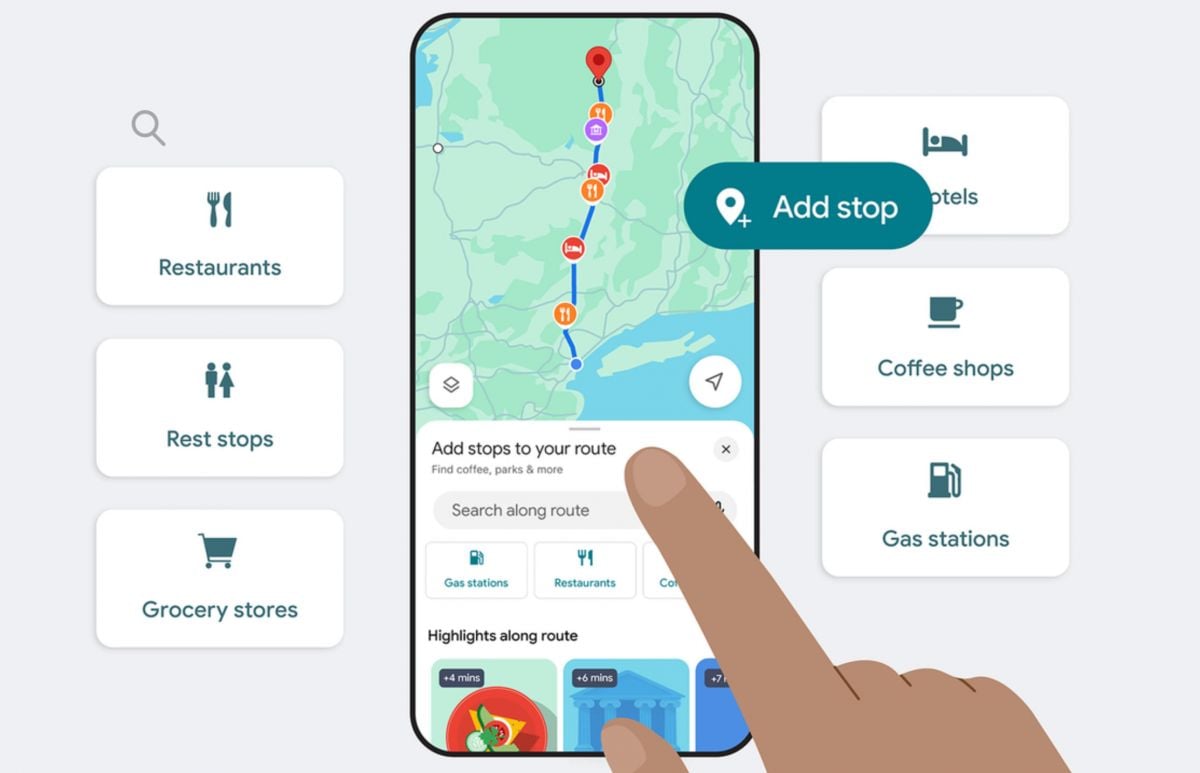
If you want something a little more intensive drop the little orange pedestrian icon from Google Street View on any road for a more immersive experience. This allows you to roam the streets in a virtual environment, see a Hotel entry before you even get there, or check out a neighbourhood before you arrive. Satellite view can provide a high-level overview, making it helpful for planning large parks, campuses, or when the terrain is unfamiliar.It also has the ability to view maps without being connected to the Internet, which is useful to set up before travelling abroad. Download a specific area beforehand and search addresses and directions without needing any data connection – good in areas with network coverage issues, or when you don't want to be charged for roaming abroad.

Multi-device Streaming Convenience of Amazon Prime Video
4.4
Users can access the service via web browsers on laptops, download the mobile app on iOS and Android phones, or install the app on mainstream smart TV brands. Streaming sticks, game consoles and media players are also fully compatible with this platform. Once logged into the same Amazon account, playback progress automatically syncs across all devices. You may start watching a drama on your phone during commutes, then resume the exact scene on a smart TV at home without repositioning.This cross-device design eliminates viewing limits fixed to one gadget. It also allows offline downloading on mobile devices for playback without Wi-Fi. For audiences who enjoy flexible viewing schedules, Amazon Prime Video's wide device compatibility greatly improves daily entertainment experience.

Fun Facts and Always Expanding Content
4.6
These curated quotes and obscure trivia nuggets flash between quiz rounds transforming a simple score check into an opportunity to pause in appreciation of friendship! They start amusing conversations, reminisce on earlier shared memories and make every monitor an adoration for your closest friends.To top this all off, it has a slew of regular updates. Regular updates and new quizzes being added is the hallmark to always provide users with fresh content. No sleepover, lunch break or group chat challenge is ever the same twice over so you and your pals have no shortage of new (and silly) ways to bond through laughter together.
ARCHIVE
Category
- Communication
- Tools
- Shopping
- Lifestyle
- Entertainment
- Finance
- Art & design
- News & Magazines
- Productivity
- game
- Action
- Music & Audio
- Music & Audio
- Education
- Education
- Business
- Photography
- Books & Reference
- Business
- Health & Fitness
- Medical
- Educational
- Casual
- Video Players & Editors
- Maps & Navigation
- Adventure
- Sports
- Puzzle
- Arcade
- Personalization
- Art & Design
- Action
- Travel & Local
- Social
- Food & Drink