


TikTok Apps - Free Download & Official Reviews

TikTok Download
 4.8
4.8
How to Obtain ItTikTok MobileOn Android:1. Open Google Play Store.2. Select the search bar and enter “TikTok”.3. Tap TikTok in the search results.4. Choose Install from the dropdown where it is presented and let the file download. The downloading page can also be found from here https://play.google.com/store/apps/details?id=com.zhiliaoapp.musically&hl=en_US.5. Once installed tap ‘Open’ to begin using the app.On iOS:1. Go to App Store on the iPad or iPhone.2. If you are on the “Search” tab, simply type in” TikTok” into the search field.3. Search for TikTok in the search results.4. Download the application by tapping ‘Get’. Or you can straightforwardly finish this step from here https://apps.apple.com/us/app/tiktok/id835599320. You will be asked to confirm via Face ID or Touch ID, or your password.5. After you’ve installed it, just tap ‘Open’ to arrive in TikTok.TikTok PC1. Open TikTok’s official website here https://www.tiktok.com/aboutusing any browser on your computer and scroll all the way to the bottom.2. Select the option right for your device like App Store download, Amazon Appstore download, Microsoft Store, etc.3. Go through the installation process of it.4. Tap TikTok icon from the home screen and register.

TikTok Lite Installation
4.8
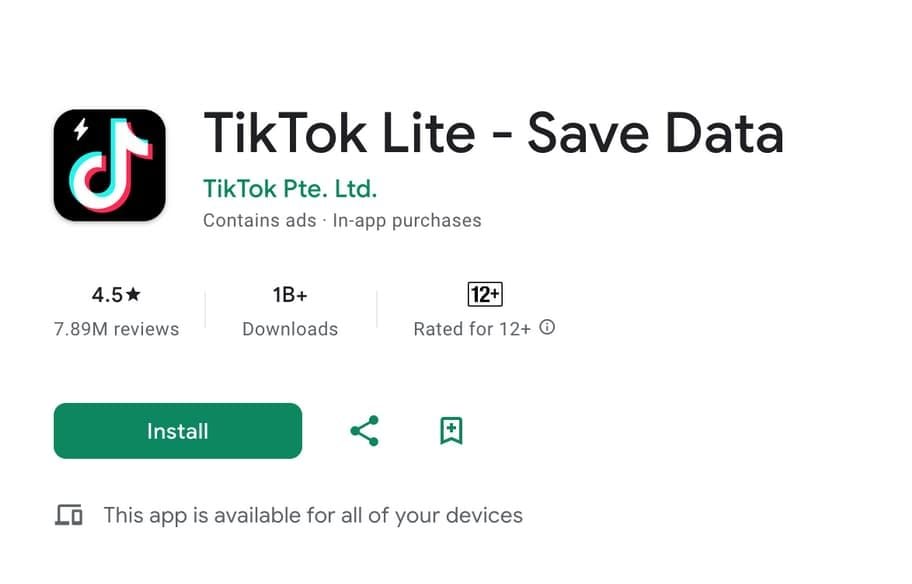
TikTok Lite MobileOn Android,1. Open the Google Play Store.2. Search for “TikTok Lite.”3. Select it from the results and click “Install.” Alternatively, find this step from here https://play.google.com/store/apps/details?id=com.ss.android.ugc.tiktok.lite&hl=en_US.4. Tap “Open” to start using the app when it is installed.On iOS:1. On your iPhone or iPad, open the App Store.2. Click the “Search” tab and type “TikTok Lite.”3. Tap TikTok Lite in the search results. More directly, visit here https://apps.apple.com/za/app/tiktok-lite/id6447160980to view the downloading page.4. Tap “Get” to download the app. You might be prompted to confirm with Face ID, Touch ID, or your password.5. Tap “Open” after installation to launch TikTok Lite.

Post and Go Live on TikTok
4.8
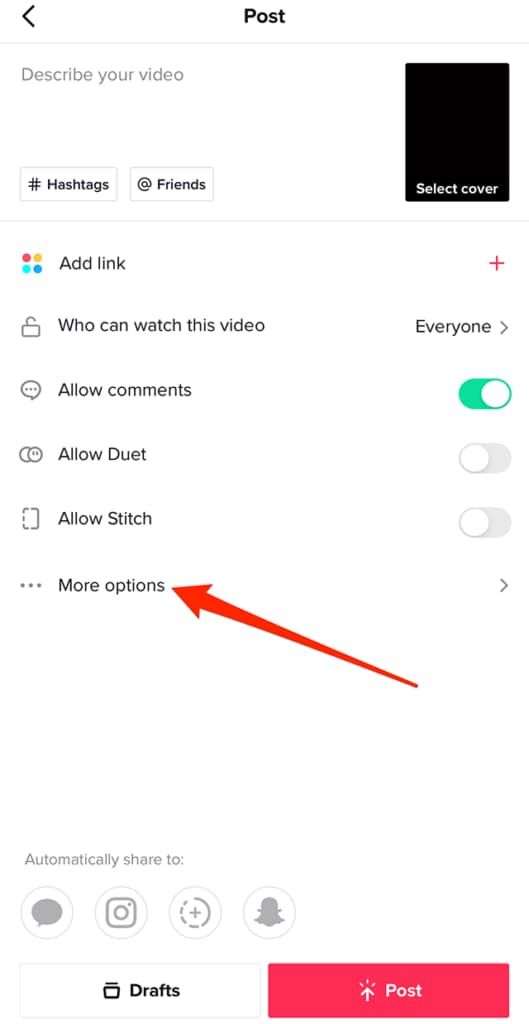
How to Make ContentPublishing Videos1. Open TikTok and click the ‘+’ button at bottom of screen.2. Tap the red record button, then hold to record a video, or choose ‘Upload’ to record from your gallery.3. You could add filters, effects, text, or stickers on your video as you edit.4. Before tapping ‘Post’ add a caption, hashtags, and select privacy settings.Going Live1. You should at least have 1,000 followers, or you’ll miss live streaming features.2. And tap on the ‘+’ icon like you are about to upload a video.3. At the bottom of the screen you can swipe to choose ‘Live’.4. If you want to, add a title to your live stream and tap Go Live.

Add Trending Songs to Your TikTok Videos
4.8
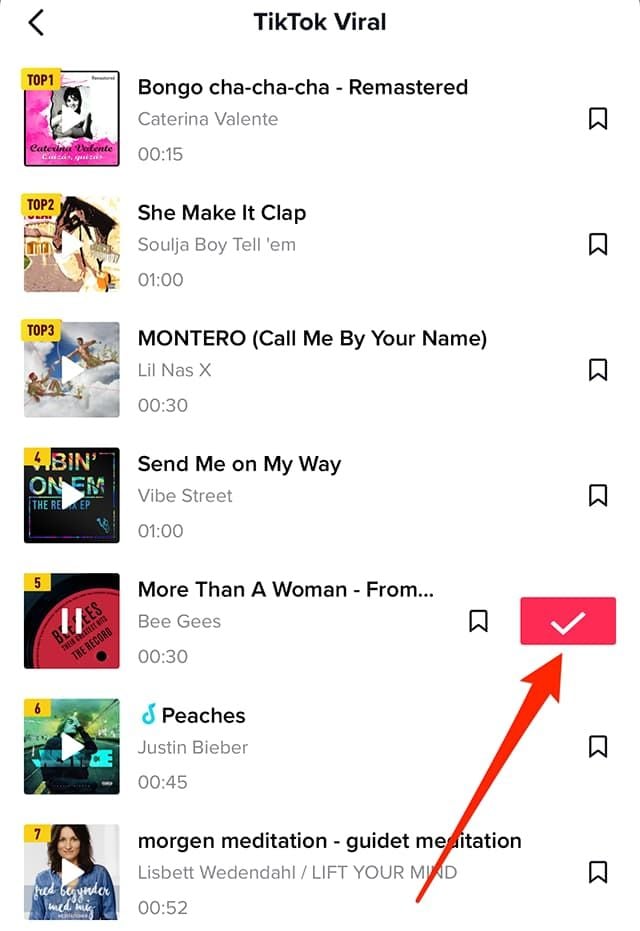
How to Add Songs1. First, create or upload your video by tapping the “+” icon.2. Tap “Sounds” at the top of the screen before recording or after uploading a video clip.3. Browse popular sounds or search by using the search bar to find any particular songs.4. Preview a song by tapping it, and if you like it tap ‘Checkmark’ to add it to your video.5. Before finalizing your post, you can drag your song on the timeline to where you wish it to become play in your video.

Update TikTok
4.8
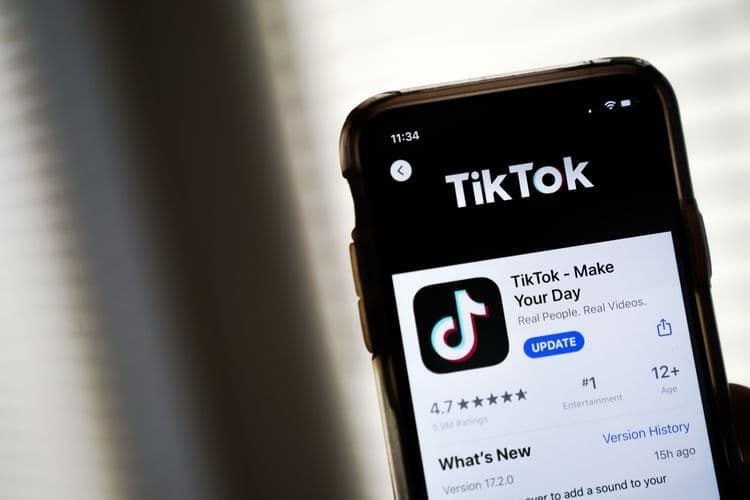
Steps to Update TikTokOn Android1. Open Google Play Store.2. Tap on “My apps & games.”3. Find TikTok in the list; if there is an update, tap “Update.”On iOS1. Tap App Store.2. Tap “Updates” in the bottom right corner.3. Locate TikTok; if it says there’s a pending update, tap “Update.”On WebFor the web version, it automatically updates as it is run through the browser.

Save Videos from TikTok
4.8
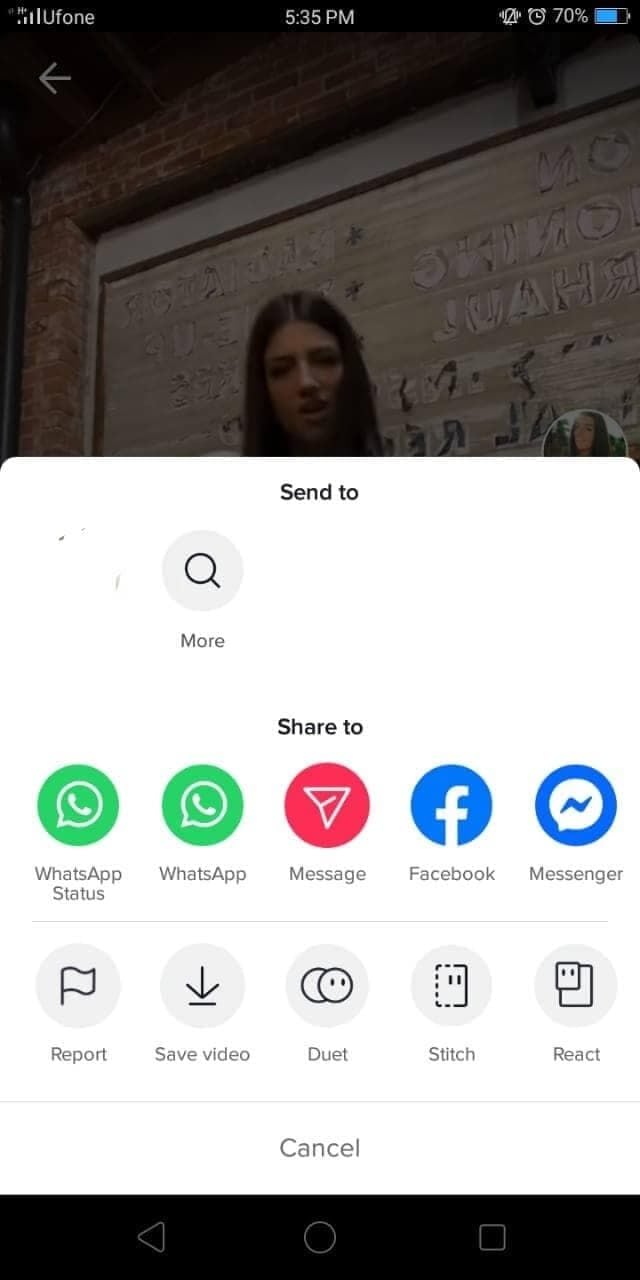
Steps to Download Videos1. Open TikTok and find a video you would like to save.2. Tap the “Share” button (the arrow icon).3. If the creator has this option enabled in their settings, tap “Save Video”. The video will be saved directly to your device’s gallery.

How Does Ghost Detector Actually Work
4.2
Technically, Ghost Detector Real Life Radar employs device sensors such as camera, infrared sensor, microphone, light, and even magnetometer to scan for anomalies within the environment. The radar mode translates fluctuations within these sensors into on-screen movement or sound waves. Unusual readings or static changes may appear as moving red dots, which can be viewed in the radar mode of the app. The camera is set to detect sudden movement or shadows, and the EVP recorder is idle awaiting unexplainable noises—tuning in and filtering out faint noises to “pick up” “ghost voices.” It even has night vision capability to enable users to “see” spirits in dark places.Nevertheless, it must be said that the app is programmed to be entertainment. Different disclaimers indicate that the findings are not scientifically verifiable. Physical or electromagnetic movement in the device environment—Wi-Fi signals, radios, metallic devices, or light changes—can be detected as “paranormal” activity. Hence, as good as the app might be at simulating ghost hunting, there is no method it can have to differentiate between actual paranormal activity and simple environmental movement. Most professional critics and developers point out that there is no scientific foundation for smartphone apps to actually detect ghosts. So users ought to read in an open and enjoyable manner, recalling that any evidence must be regarded as speculative.

Read and Listen with Libby
4.8
A part of that is possible through the automatic sync of reading progress, bookmarks and notes. Whether you begin an ebook on one device, and pick another one up later by continuing exactly where you left off with just the flick of a wrist, or reading while commuting (you can listen to audiobooks as well) or during lunch break the app knows your exact position. This is amplified even more for audiobook lovers thanks to a robust audio player, which features variable playback speeds and a sleep timer for a personalized and uninterrupted listening session. For readers, the app provides a very customizable ebook reader with adjustable text size, font type as well as background color, even including reading in night mode comfortable to eyes.What’s more, you can access any title offline, so the stories and audiobooks you need are always at your fingertips — no Wi-Fi necessary. And now, sending ebooks directly to a Kindle device (US only) is just one step closer to sealing up the divide between library borrowing and optimal reading hardware.Combining these elements, Libby creates an entirely immersive user experience that is focused on the readeror listener themselves: a great choice for those who enjoy reading and listening to stories equally.

How to Become Verified on Twitter
4.6
How to Increase Your Verification ChancesVerification Eligibility Criteria1. You need to pay for Twitter’s premium service, which is around $8 per month to get verified.2. Make sure your profile includes a display name, profile picture and bio that best represents you or your brand.3. Your account should be active with at least one tweet or retweet within the last 30 days.4. Your account must be at least 90 days old to apply for verification.5. Your profile information must not be deceptive or untrue; recent changes may affect qualifications.Steps to Apply for Verification1. Log in to your Twitter account. Click on Settings.2. Search for the verification request in account settings.3. Fill in the necessary information for your profile and submit the application.