


Networking Apps - Free Download & Official Reviews

Download Telegram Easily
 4.0
4.0
Detail Installation Steps1. Android Devices:- Open the Google Play Store. In the search box, input “Telegram.”- Tap the one from Telegram FZ-LLC, then tap “Install.” More simply, you can just visit here to view the same page https://play.google.com/store/apps/details?id=org.telegram.messenger&hl=en_US.- Download and install the app. Open the app once downloaded and register your account using your phone number.2. Apple Devices iPhone/iPad:- On your Apple device, launch the App Store and search for “Telegram.”- Tap “Get,” then “Install” when prompted. Alternatively, get to the downloading page simply from here https://apps.apple.com/us/app/telegram-messenger/id686449807.- Install from the store and open it: in-app, register your phone number and start using Telegram.3. Desktop Version (Windows/Mac):- Go to the official Telegram website https://desktop.telegram.organd download the desktop application for your operating system.- Follow the installation prompts, then open Telegram.- Link it now with your mobile account, either by scanning the QR code or by typing your phone number.4. Web Version:- Alternatively, Telegram has a Web version for those who do not want to install anything. In a browser, just go to its official homepage https://web.telegram.org/k/, insert your phone number and access your account.

What Can You Do with Telegram
4.0
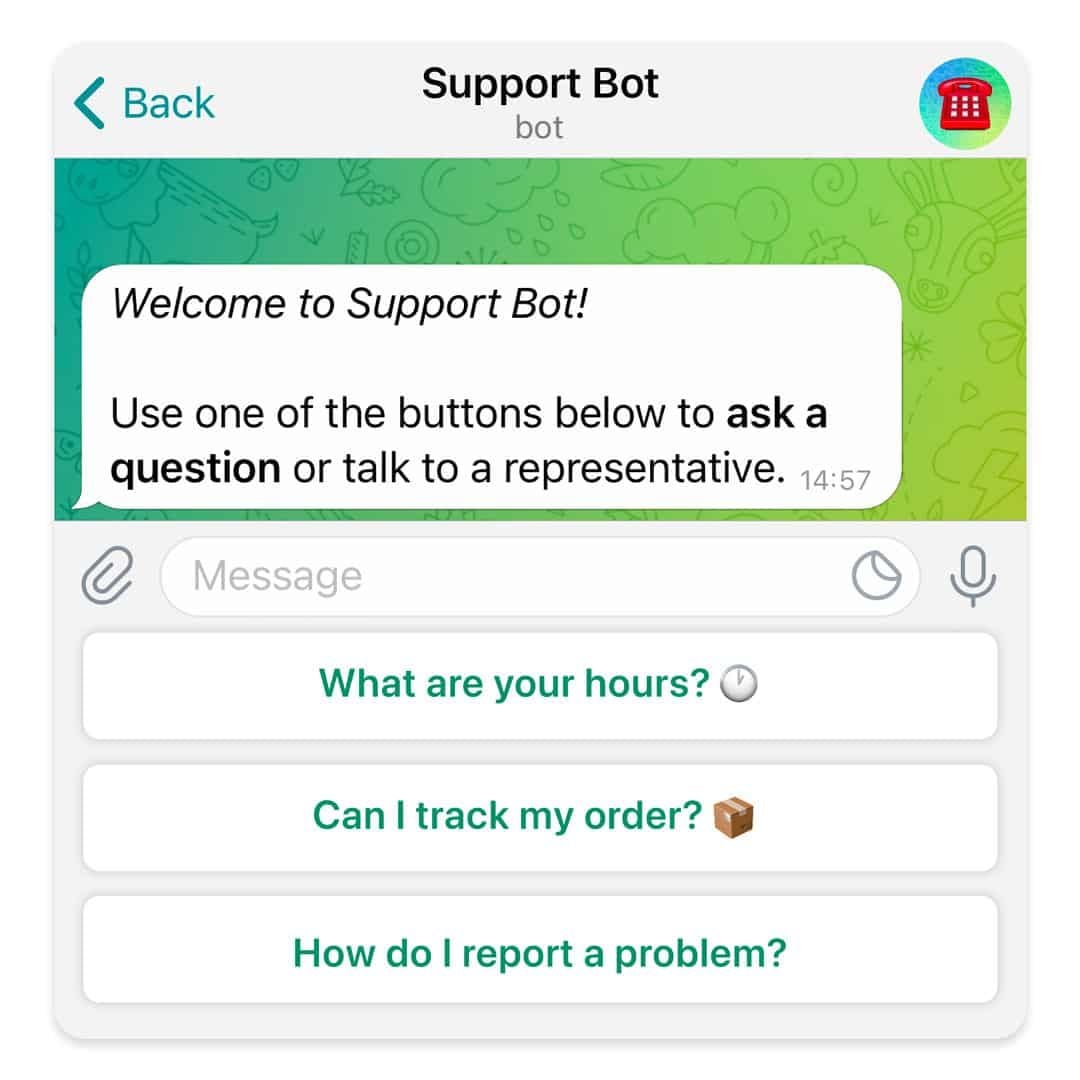
What Telegram Allows You to Do1. Secret Chats:- Besides basics, for additional security, Telegram provides “secret chats” that are end-to-end encrypted and even self-destruct on expiration.- The messages of Secret Chats also cannot be forwarded, further giving control over the information shared.2. Cloud-Based Messaging with Unlimited Storage:- Telegram is cloud-based: your messages and files are stored in the cloud; therefore, you can view them from any device without occupying any local storage.3. Sharing Large Files:Telegram allows you to share large files (up to 2 GB) in one go, a unique feature compared to other messaging apps that restrict file size.4. Bot and Personalization- Telegram provides an excellent bot platform through which users can perform actions, access information, and even play games.- You will be able to find all kinds of bots, from those that will help one with the weather forecast, translation, or news updates.5. Channels and Groups:- Telegram allows for groups of up to 200,000 people and channels allow one-way broadcasting; thus, it’s good to put out some of your messages.

Create Your Channel in Telegram
4.0
Telegram makes it easy to create a channel, and it provides additional features for managing and growing your audience. Here’s how to set up your own Telegram channel.1. Open Telegram and click the menu icon: three horizontal lines.2. Among the options appearing, click New Channel.3. Name your channel, and an optional description for the purpose can be given.4. Decide if you want the channel to be public, where everyone can find it, or a private one, where only invited members will join.5. If public, send the link so it’s easy to join; if private, share invite links only with invited individuals.6. Having made all your preferences in the channel, tap Create and optionally add members.


Customize Telegram Themes & Notification
4.0
Here is a simple tutorial on how to personalize these features in Telegram.Creating Custom ThemesFor Desktop:1. Open Telegram Desktop and click on Settings.2. Click on Chat settings, then select Create New Theme.3. Name your theme then choose the color of the text, background, and button.4. Click Save Theme once your theme is to your liking.For mobile:1. Enter Telegram from your mobile device: Now, go to Settings > Chat Settings/Appearance.2. Click the Theme then select Create New Theme.3. Give your theme a name and adjust the colors to your liking.4. Tap the upper-right corner to save your changes.Setting Custom Notification Sounds1. Open Telegram chat.2. Click the top-left thumbnail of your profile picture.3. Tap on Notifications, then Customize.4. Select your sound of choice, browse through the provided options, or upload your own.

Telegram’s Safety Features
4.0
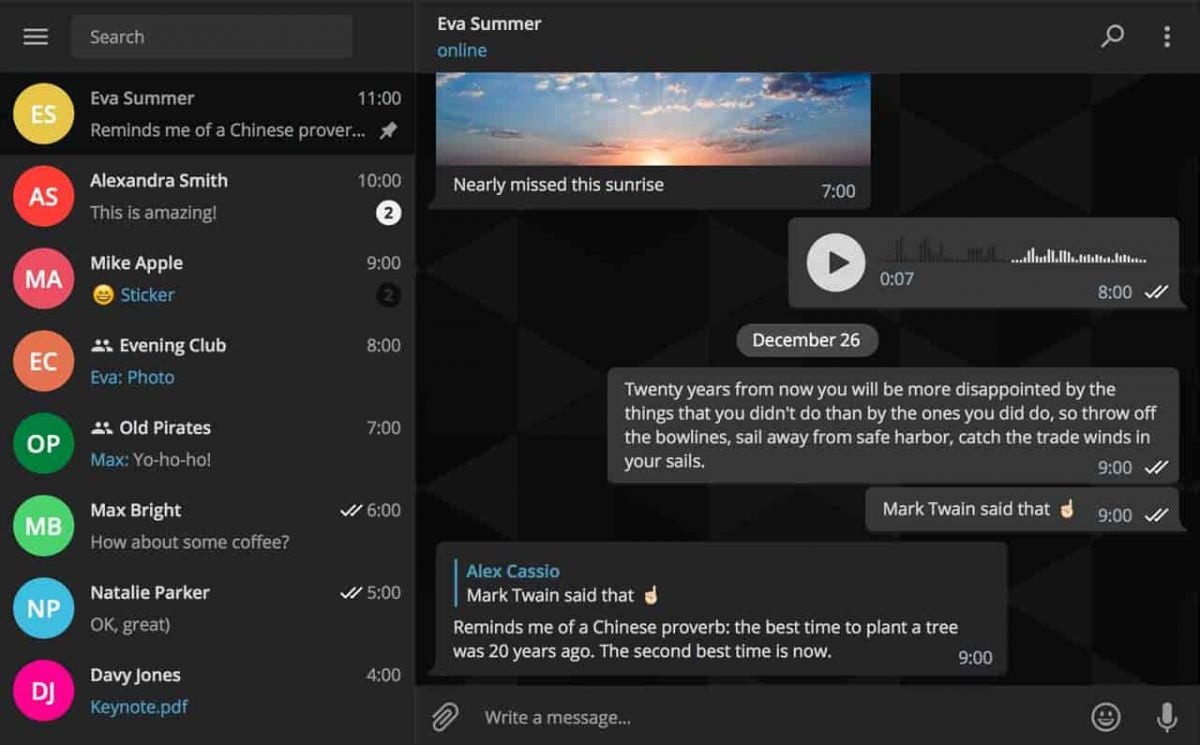
1. Enable Two-Step Verification:- For the extra layer of security, one can enable a password via Settings > Privacy and Security > Two-Step Verification.- This will prevent unauthorized use, even if anyone else knows your telephone number.2. Sending Private Messages via Secret Chats:- Secret Chats use end-to-end encryption, including self-destruct timers, which is great for sensitive information.- They never reach Telegram’s servers and therefore never leave your device.3. Control Who Can Contact You:- In Settings > Privacy and Security, select who can view your profile photo, your last seen, and phone number.- You can block contacts, manage messages coming from strangers, and you can limit this for unnecessary conversations.4. Self-Destruct Media in Regular Chats:- Open any chat, tap the clock icon while sending a photo or video. After setting the self-destruct timer for media to disappear once viewed.
Staying on Top of Every Story with CNN
4.5
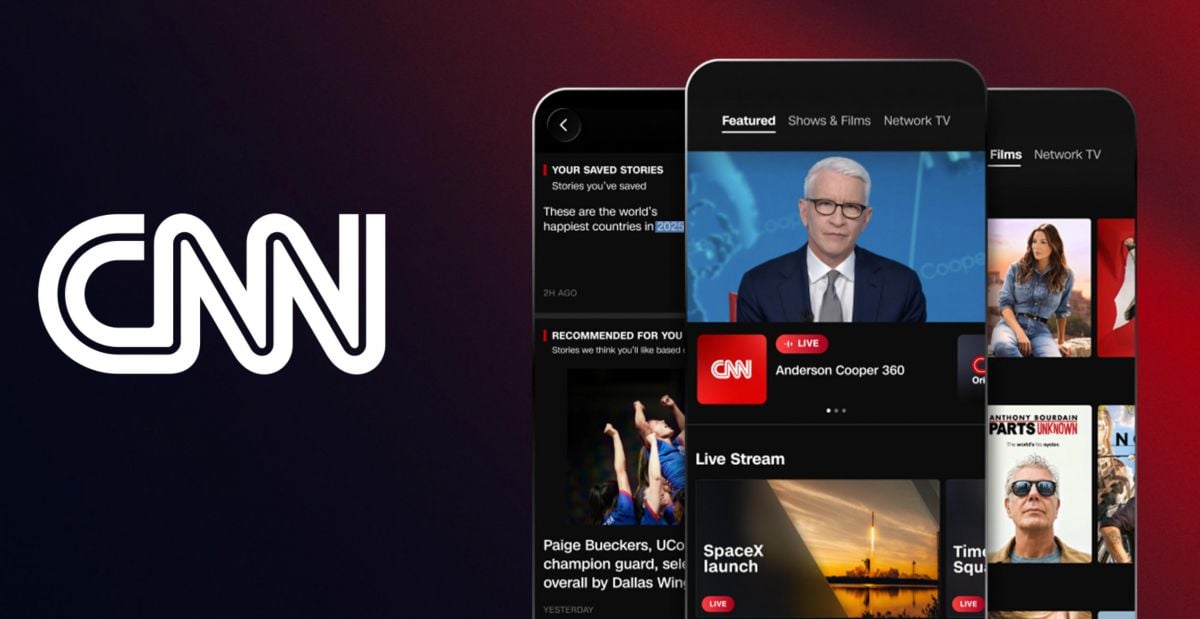
Live TV is one of CNN’s strongest differentiators as a news app. Tap the Live TV tab and stream CNN’s broadcast feed in real time, straight from your phone. During quick turning events — elections, natural disasters, major geopolitical shifts — live television offers context and depth that short article snippets just can’t match. Also, being able to watch a live press conference or a breaking news broadcast from anywhere with a data connection feels like a real advantage compared to older school news habits.Don’t skip the Video area either. CNN produces a huge amount of short form video journalism — explainers, correspondent updates, interviews, and documentary style segments — and sometimes video communicates the story more effectively than text. Make it normal to check the video tab when you want to understand a topic more deeply; a three minute CNN report from the field can deliver the kind of context that might otherwise take thirty minutes of reading to piece together.

Troubleshooting Errors in Play Store
4.8
Basic Steps of Troubleshooting1. Clear Cache and Data:- Go to Settings > Apps > Play Store.- Tap on “Storage” then select “Clear Cache” followed by “Clear Data.”2. Reboot Your Device:- Restarting sort of clears off the temporary glitches that could well hamper applications’ performance.3. Internet Connection:- Make sure you are connected to a strong internet connection. Switch from Wi-Fi to mobile data and vice-versa.4. Remove and Re-add Your Google Account:- Go to Settings > Accounts > Google > Your Account > Remove Account.- Add it again from Accounts Settings, tap on “Add Account”.5. Update or Reinstall Updates for Play Store:- In Settings > Apps > Google Play Store, tap on “Uninstall updates” if available and again go to the “About” in the Setting within the app to check for updates.

Is The Weather Channel Premium Worth It?
4.3
With Premium, users get to enjoy longer radar tools with high-resolution data and longer forecasting periods—ideal for planning weeks ahead. Another benefit is the removal of ads, giving users an ad-free interface and distraction-free browsing experience.Premium subscribers receive quick answers and fast troubleshooting support from the application developers. The subscription provides access to 15-minute forecast data in addition to historical data points and storm-tracking features that prove highly beneficial to locations prone to severe weather events such as hurricanes and tornadoes.Considering such benefits, Premium is money well spent if you rely on accurate weather information for travel, event organization, or security. However, for the majority of users who are merely seeking day-to-day forecasts and basic radar imagery, the free materials available in the app are sufficiently sufficient.

Alternatives of Play Store
4.8
Let’s take a closer look at some of the popular Play Store alternatives.1. Aptoide- A community-driven marketplace boasting millions of apps, without any geo-restriction.- Users can upload their own apps with relative ease, promoting diversity in available content.2. Amazon Appstore- Provides a wide array of applications with strong developer support.- Commonly known for integrations involving Amazon devices such as Kindle Fire.3. APKPure- The app addresses a wide, varied provision of APK files directly to users for self-installation.- Very helpful in apps that are not published in your region or have restrictions via Google policy.4. F-Droid- Exclusively features open-source applications.- Ideal for users who value privacy and transparency in software development.